Coming soon
DAWNBLOOM
A storybook world with turn-based combat, Phantom Beasts, and player interaction.
Official release information will be announced on this website.
 ⌕
⌕ DOWNLOAD & INSTALL
From DAWNBLOOM to six companion apps, find your product and platform, official releases, installation help and updates.
DAWNBLOOM DAWNBLOOM Token
 DAWNBLOOM Browser
 DAWNBLOOM News
 DAWNBLOOM Mail
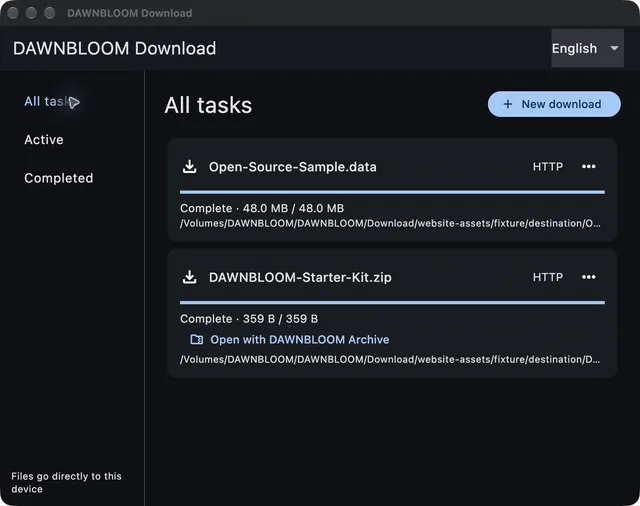
 DAWNBLOOM Download
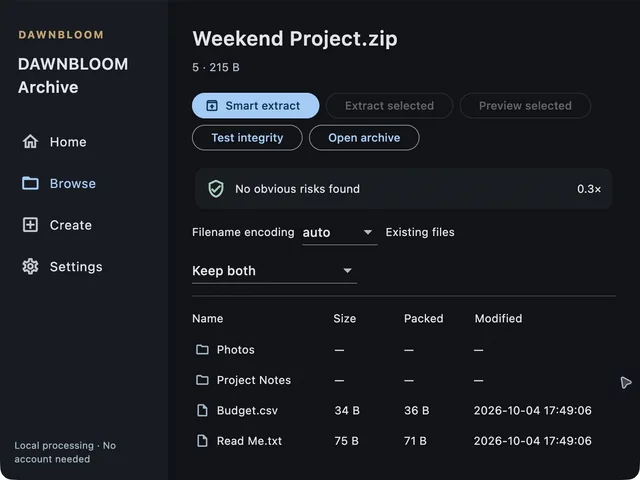
 DAWNBLOOM Archive
01 / DISCOVER
One game. Six apps. For play, reading and the things you do every day.
Coming soon
A storybook world with turn-based combat, Phantom Beasts, and player interaction.
Official release information will be announced on this website.
Available to download
One DAWNBLOOM Account connects security, the player community, and the Adventure Museum.
Android
2.0.0
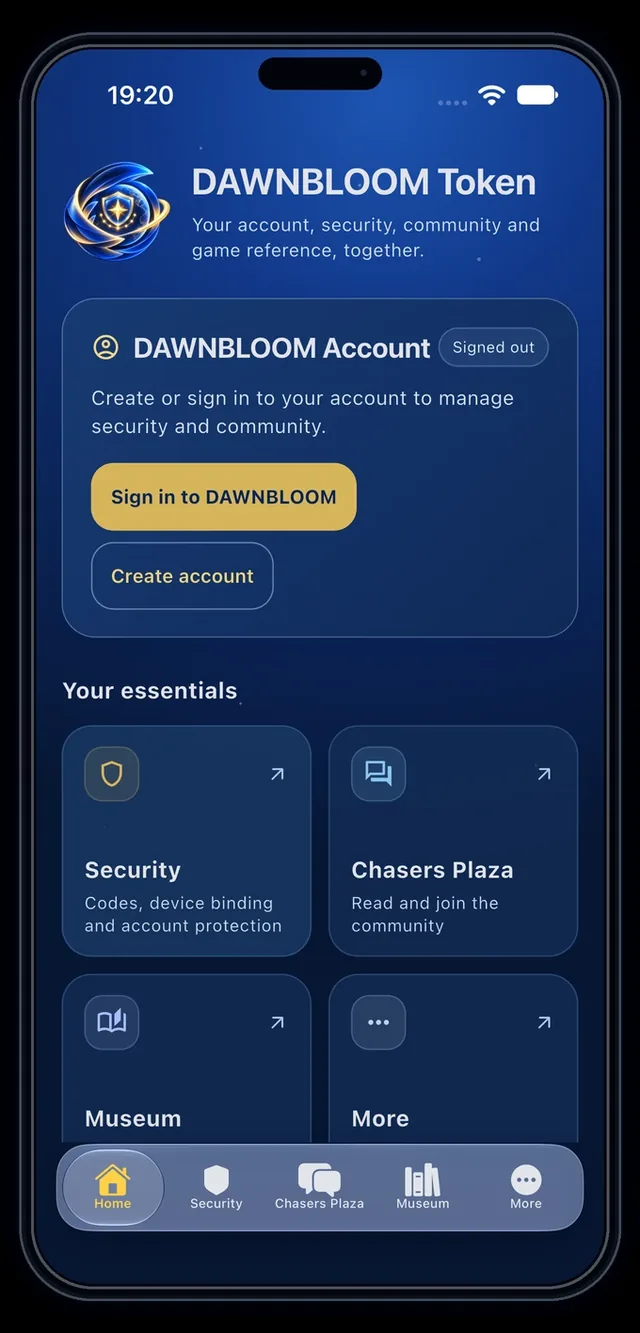
Available to download
Focused browsing, reading and translation, with optional account and light sync.
Android · Windows · macOS
2.2.0
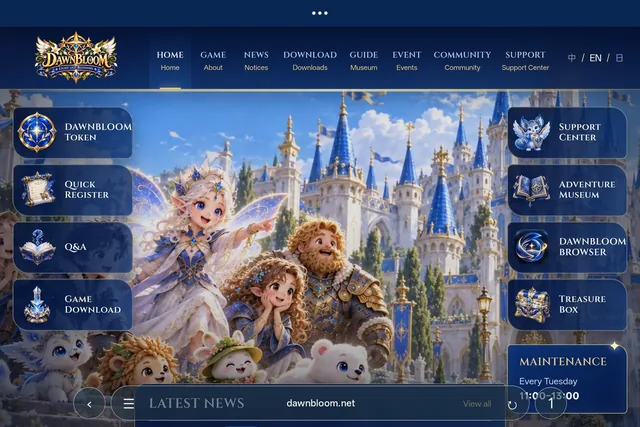
Available to download
News from multiple sources, Reader, search and saved stories.
Android · macOS
1.3.0+4
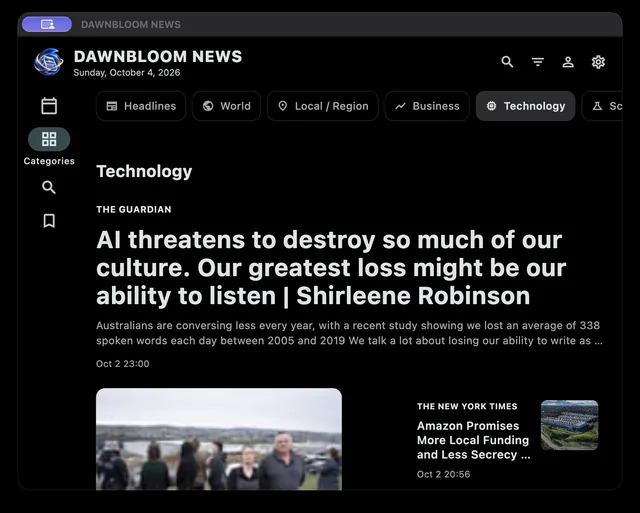
Available to download
Multiple accounts and local search, connecting directly to your chosen mail provider.
Android · Windows · macOS
1.3.0
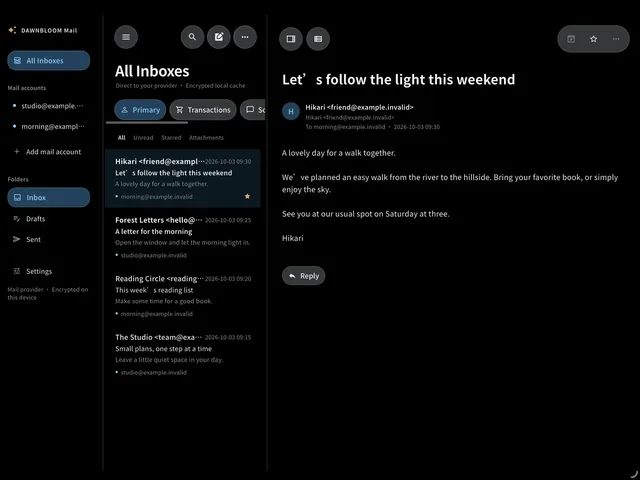
Available to download
Manage HTTP, BT, ED2K and other common downloads locally, with Browser and Archive handoff.
macOS · Windows
1.2.0
Available to download
Browse, compress, extract, and check common archives locally.
macOS · Windows
1.1.0
02 / YOUR DEVICE
Choose your platform to see the products available today.
App Store versions are not available yet. Official links will appear on the product pages.
03 / WITH CONFIDENCE
01
Website downloads use official DAWNBLOOM distribution channels. Check the address and avoid unsolicited files or unknown mirrors.
02
Open the product platform picker to see its official version, file size and SHA-256 checksum.
03
Permissions are requested for the functions that need them. You decide whether to allow them; each product explains how its data is handled.
04 / GET STARTED
After checking the file came from the official site, temporarily allow installation from that source if Android asks. Turn the permission off afterwards.
Choose a platform →Choose the installer for your device and follow the setup wizard. Signing notices vary by product; check its file details.
Choose a platform →Follow the product instructions to open its DMG or extract its ZIP and install in Applications. Check the product guide for the first launch.
Choose a platform →App Store versions are not available yet. Official links will appear on the product pages.
All products →05 / ALWAYS CURRENT
Product updates, security fixes and improvements come through official DAWNBLOOM releases. Check the current version and choose the update for your device.
Version & file details →06 / HERE TO HELP
Try Mail Windows, Android APK, macOS cannot open, update failed or SmartScreen.