01 / TOOLS
Browsing is enough.
Bookmarks, history, downloads, find in page, reader mode, PDF saving, desktop sites, and QR codes live in a quiet menu.
Tabs, sharing, and site permissions appear when you need them. ⌕
⌕  DAWNBLOOM BROWSER
No news feed, trending list, shopping portal, or ads of the browser’s own.
Open DAWNBLOOM Browser, then go where you actually want to go.




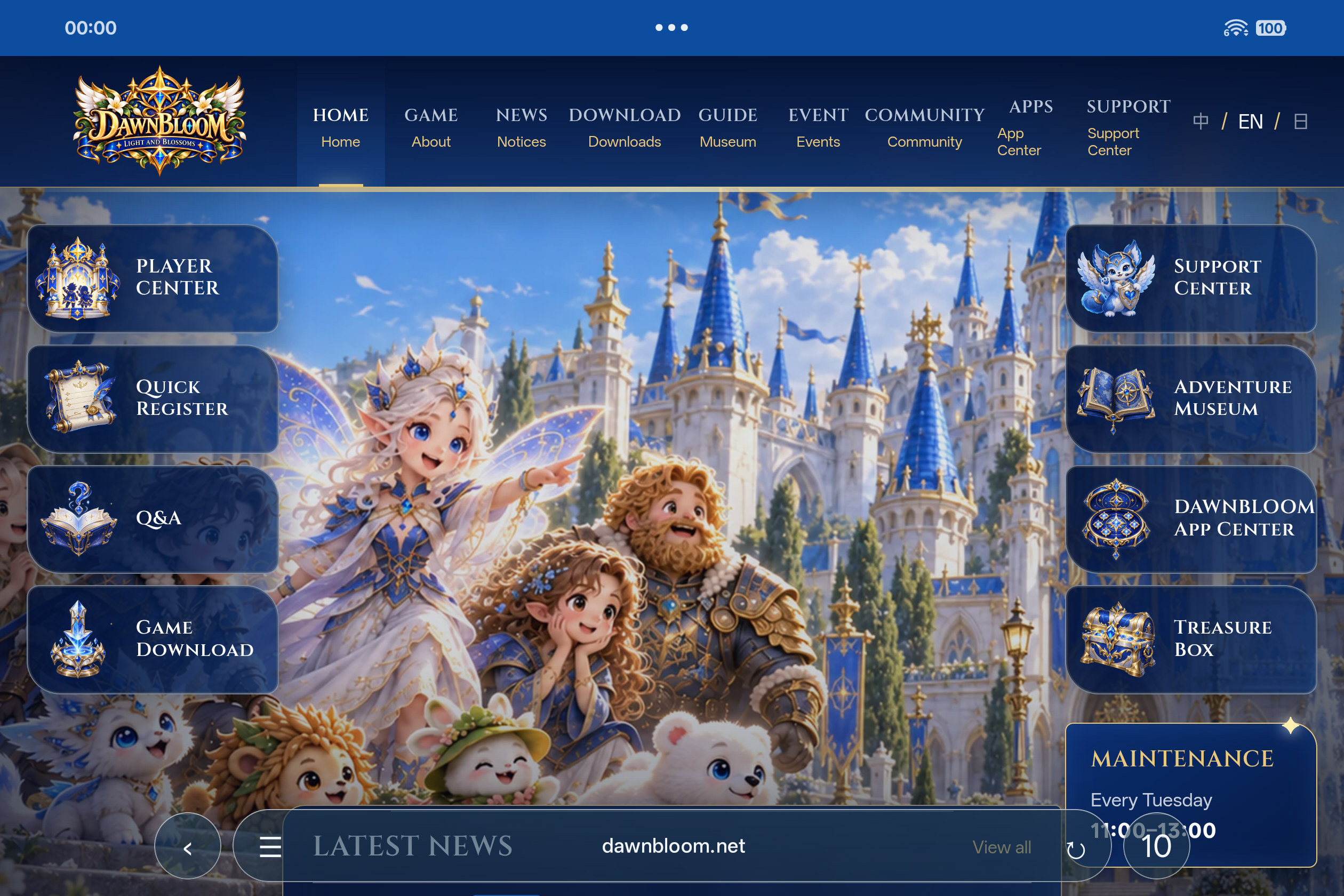
Browsers keep adding more interface to the screen. DAWNBLOOM Browser takes a quieter path.
When a page first opens, the status bar and everyday controls are visible. Once you start scrolling, both step aside and stay hidden while you pause to read, giving more of the screen to the page.
Scroll up gently or tap where the bottom controls were to bring them back.
On iPhone and iPad, iOS / iPadOS decides whether the system status bar can disappear completely. DAWNBLOOM Browser follows those system rules.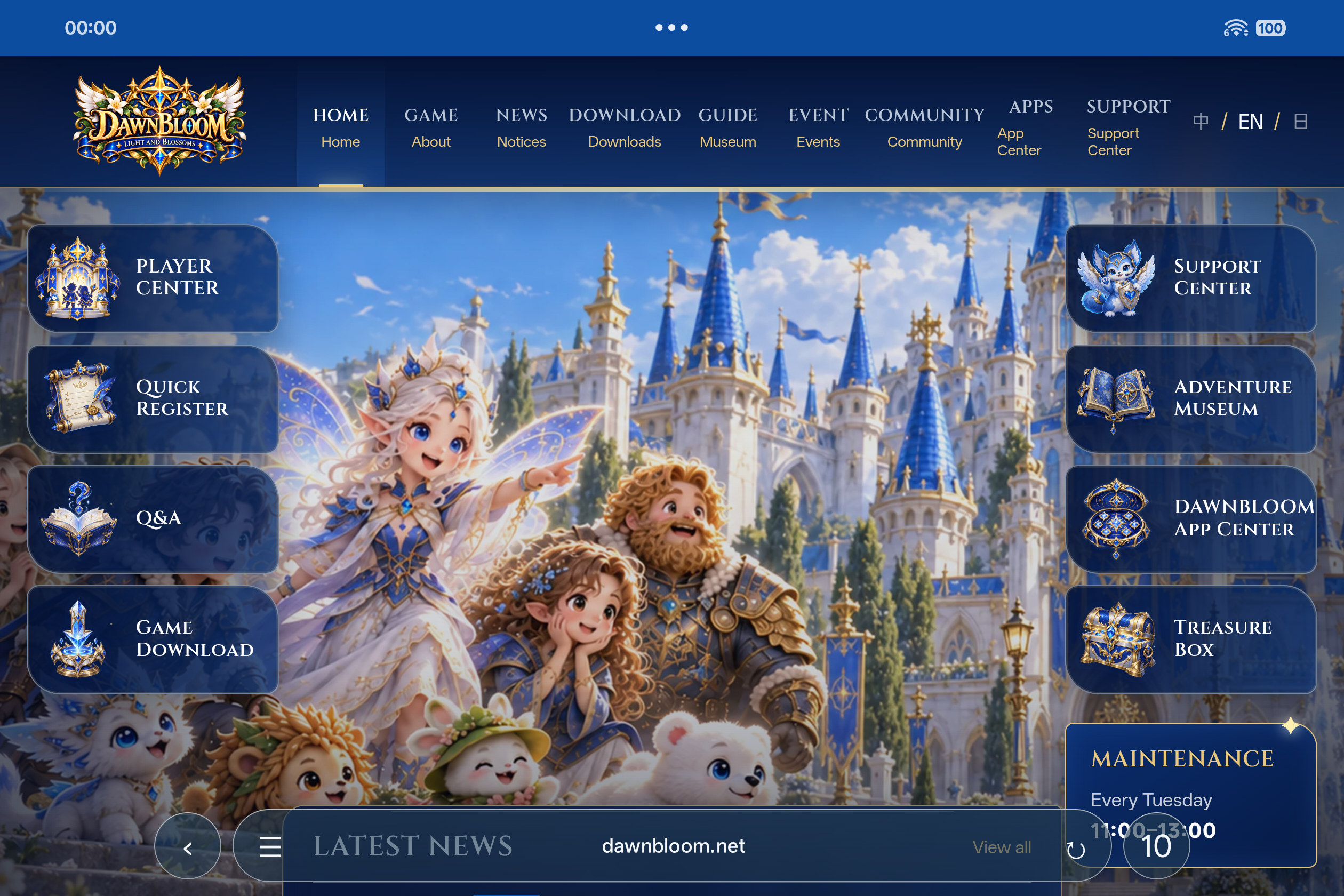
There when you need it. Out of the way when you don’t.
Bookmarks, history, downloads, find in page, reader mode, PDF saving, desktop sites, and QR codes live in a quiet menu.
Tabs, sharing, and site permissions appear when you need them.DAWNBLOOM Browser will remain free and will not add launch ads, feed ads, sponsored placements, shopping promotions, or other ads operated by the browser.
Built-in blocking for web ads and common trackers helps keep pages cleaner. You can turn it off or make an exception for a specific site.Ads served by search engines and websites are controlled by those services. DAWNBLOOM Browser cannot promise to block every third-party ad.Translation varies by platform. Android uses on-device translation; the Apple app asks before sharing a page URL with Google Translate.
No browser account is needed. Available features follow each released platform build.DAWNBLOOM Browser does not artificially cap its interface at 60 Hz. When the device and operating system allow it, the browser UI and scrolling can follow the display’s available refresh rate.
That includes 60 Hz, 90 Hz, 120 Hz, 144 Hz, and higher rates supported by future devices.Actual refresh rate depends on the device, operating system, power mode, thermal conditions, and webpage content.Browse without an account. After signing in, you can choose light sync for bookmarks and selected preferences. History, tabs, cookies, passwords, and private browsing data stay on your device.
Stays on your deviceA browser does not need to know what you have viewed to open a page.
History, tabs, cookies, passwords and private data stay local. Bookmark and preference sync requires your choice.
Open and browse without signing in. DAWNBLOOM Account and Light Sync are optional.
History, tabs, cookies, passwords, and private browsing data are excluded from light sync. Bookmarks and a few preferences sync only after you enable it.
Product analytics are disabled in the current 2.2.0 candidate. Any future use would require privacy review and be limited to low-frequency, anonymous product totals, without URLs, searches, or history.
We do not build interest profiles from your browsing, searches, or bookmarks, or use them to recommend content or serve ads.
The browser has no ad business of its own. It does not use your browsing history for ad tracking, targeting, or commercial profiling.
Private tabs do not enter regular history. When the session closes, related local temporary data is cleared where possible.
Camera, microphone, location, and other sensitive permissions are used only when a page needs them and you allow them.
Search, page translation, and the sites you visit may process data needed for those services under their own privacy policies. We do not use it for ad profiles or content recommendations.
It mainly limits traces left on your device. It does not hide your IP address; sites, network providers, and administrators may still see necessary connection information.
36 planned languages and regional variants
with more to come。
Global localization shapes DAWNBLOOM Browser from the start. Languages are part of its foundation, not an afterthought. The interface is designed for right-to-left layouts, complex characters, varying text lengths, and many writing systems. You can switch its language from the browser menu.
Match your system languageThe browser interface follows your device language by default.
Switch whenever you likeChoose an interface language in ☰ → Language.
Full right-to-left interface supportIncluding العربية, فارسی, עברית, and اردو.
Made for many scriptsHandles different text lengths and font fallback.
The game sign-in screen now uses a lightweight official web component to connect essential account tasks directly to DAWNBLOOM pages.
There is no need to open the full browser or add extra web features to the game.
Choose Create Account on the game sign-in screen to open the official account registration page. After creating an account, return to the game and sign in.
Choose Forgot password on the game sign-in screen to open the official recovery flow without searching for the website entry point.
The in-game web component is only for essential DAWNBLOOM account pages. It does not provide general web browsing.

Native interfaces for iPhone, iPad and Mac. Store downloads open after Apple review and public availability.
Awaiting Apple review · Store download pending
Awaiting Apple review · Store download pending
Awaiting Apple review · Store download pending

Core browsing needs no sign-in. Account and Light Sync are optional.
Eight quick answers about DAWNBLOOM Browser.
Yes. It is planned to stay free forever, without browser-owned ads, membership, or paid features restricting basic web browsing.
No. It will not carry launch ads, feed ads, promoted search slots, shopping recommendations, or other browser-operated ads.
The release version plans to block web ads and common trackers, with per-site exceptions. Search engines and websites control their own ads; we cannot promise to block every third-party ad.
No. Browsing needs no account. After signing in, you can choose Light Sync for bookmarks and limited preferences. History, tabs, cookies, passwords and private data stay local.
No. It mainly limits data left on your device. It does not hide your IP address or prevent sites, providers, or network administrators from seeing connections.
Android, Windows x64 and macOS 2.2.0 website downloads are available. Apple store editions follow review and public release.
No. The plan prioritizes on-device or operating-system translation, without putting it behind paid membership.
They are not required to browse the web. We want to leave screen space and attention for the pages you choose.
DAWNBLOOM BrowserRelease
Android, Windows and macOS website downloads now share version 2.2.0, with a quieter interface and clearer Android download progress and APK installation controls.

DAWNBLOOM BrowserProduct update
Explore the browser's interface, web features, privacy approach, and platform release plans. See the product page for current availability.