

 DAWNBLOOM NEWS
NEWS, WITH ROOM TO READ
Read the story. Follow what happened.
Original sources, considered reading and a clear timeline of events. DAWNBLOOM News gives the story room to speak.
01 / TODAY
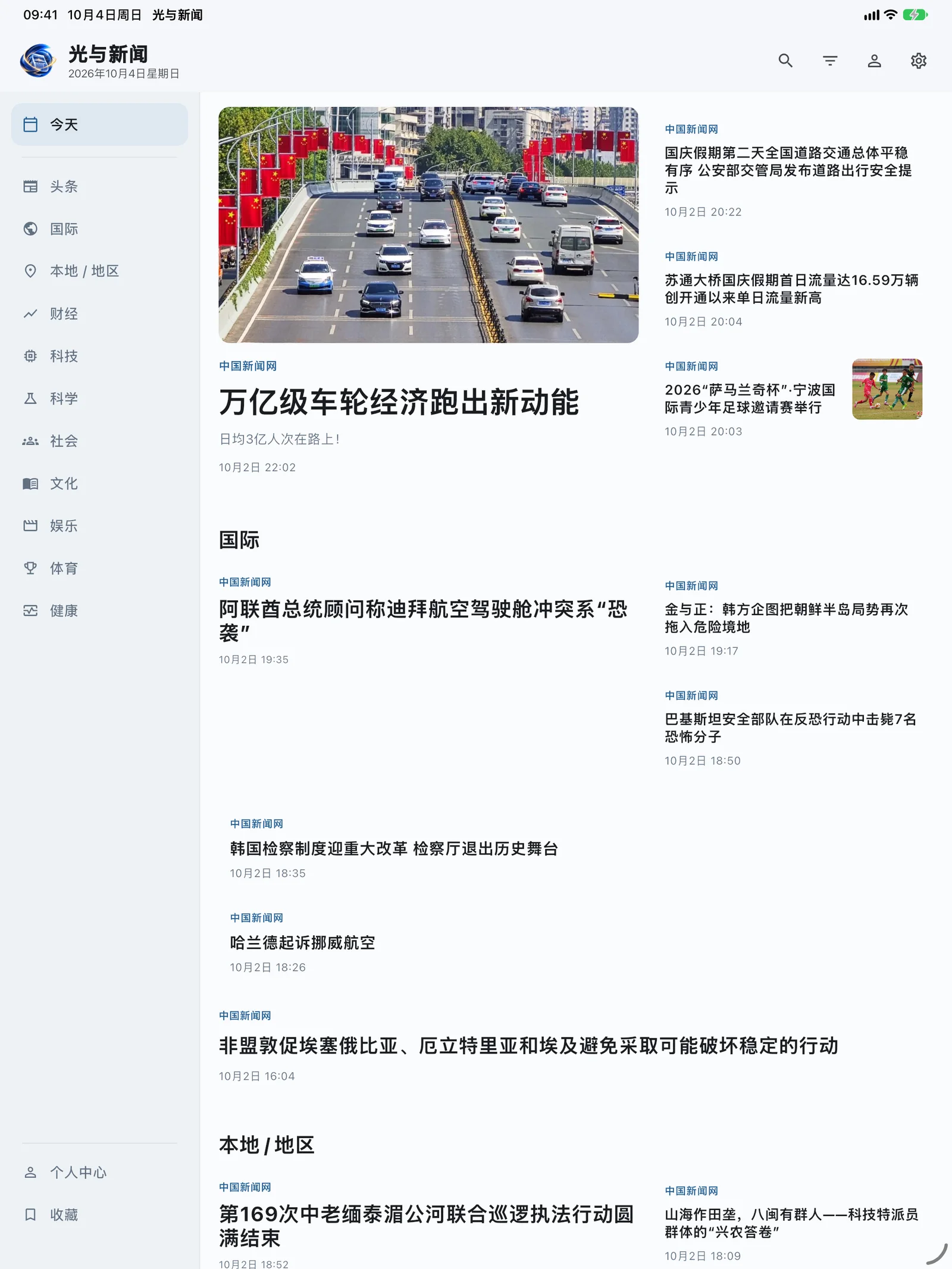
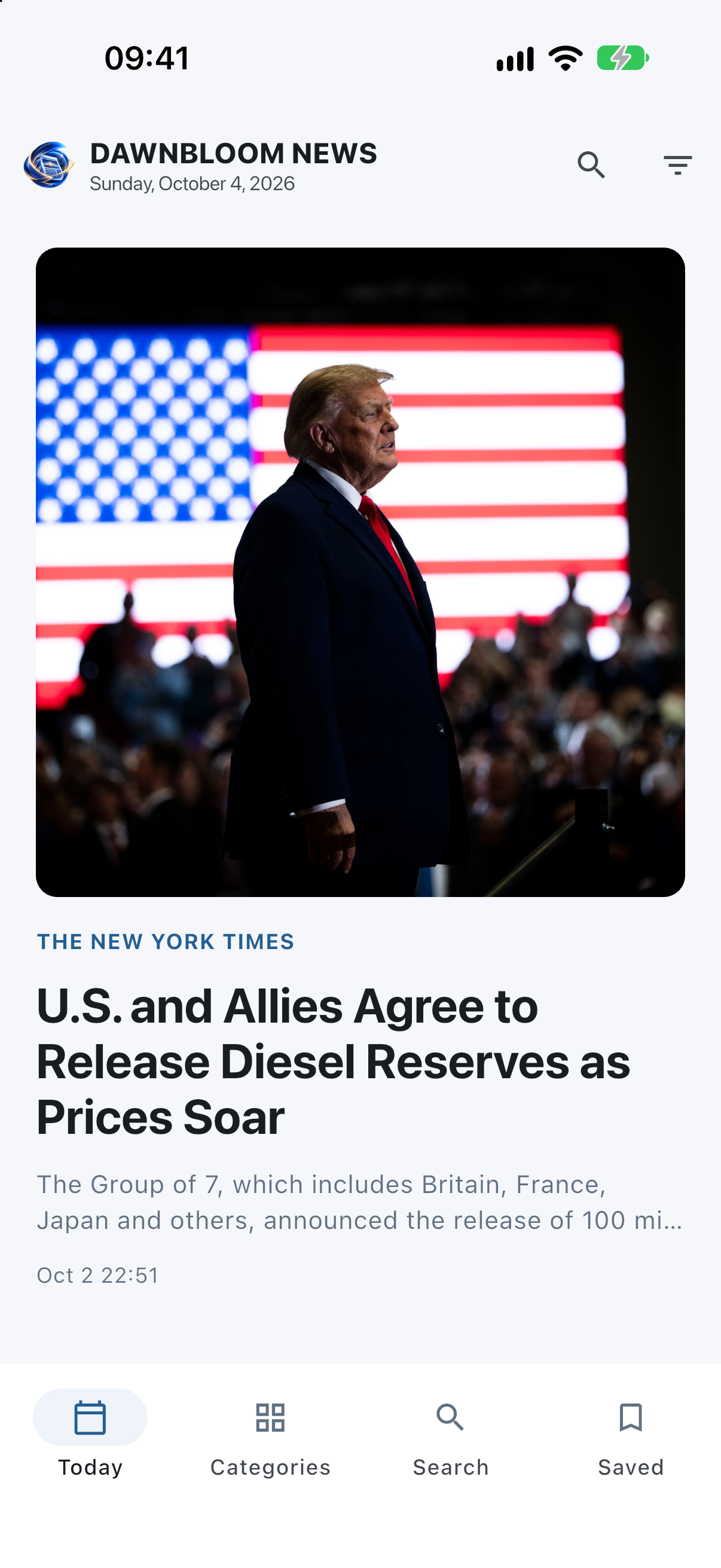
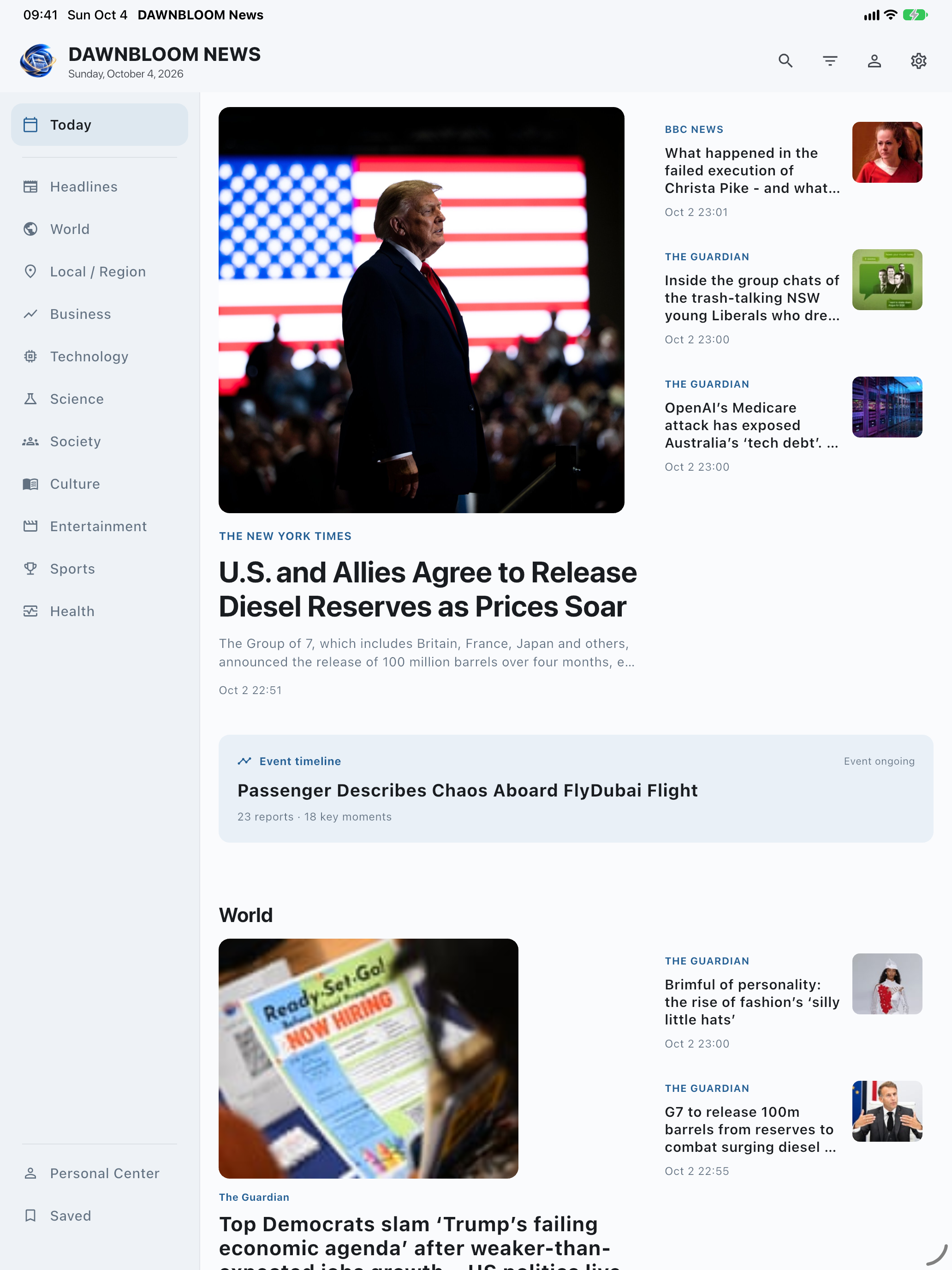
A considered front page.
A lead story, visual reports and short briefs set their own pace. Publisher and time remain visible across the front page.
02 / READER
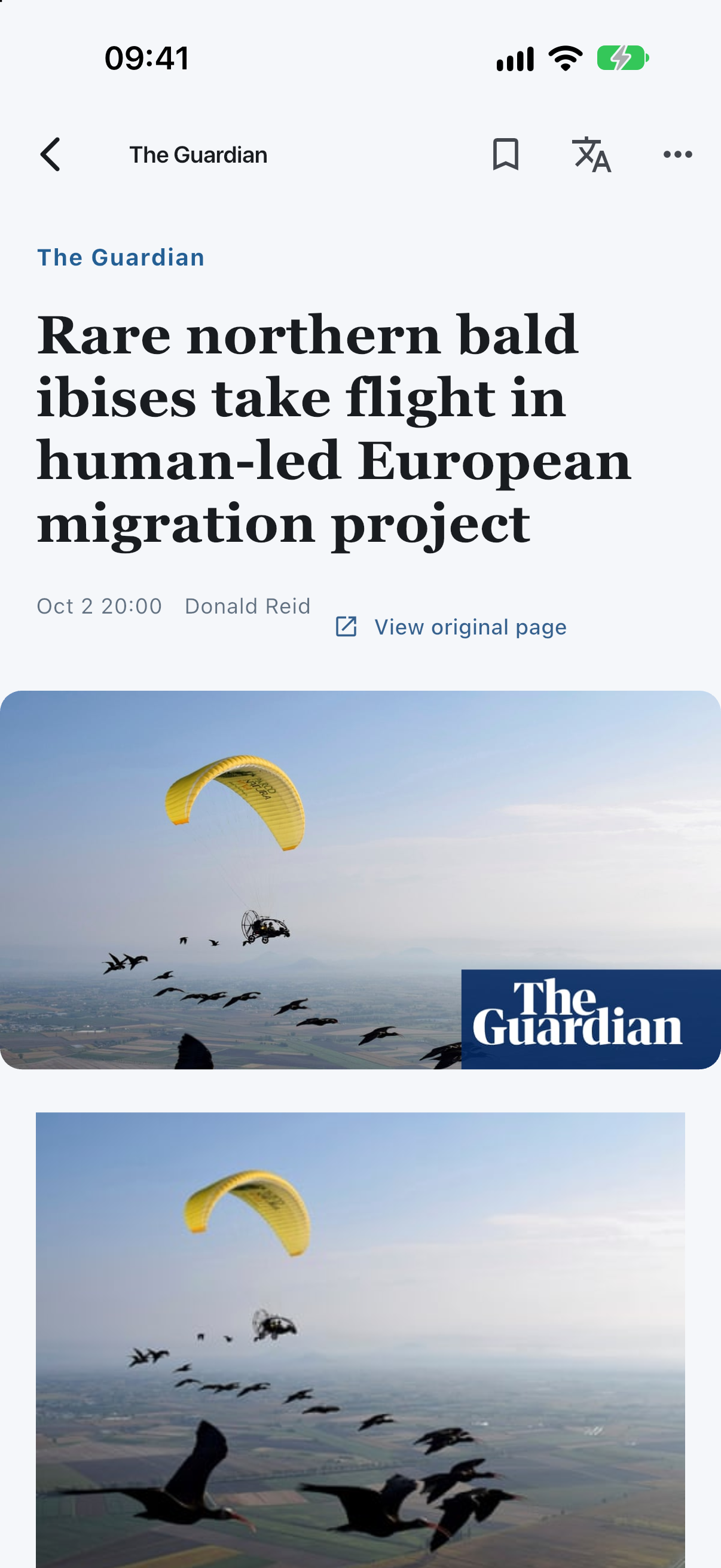
Reading comes first.
Stories open in the DAWNBLOOM Reader, with the publisher, author, images and body clearly arranged. If extraction fails, retry or open the publisher’s page.
03 / EVENT TIMELINE
A story has a history.
Event timelines are still in content integration QA. When available, reports from independent publishers will form dated milestones with source links.
04 / LOCAL FIRST
Discovery shaped on your device.
The app takes candidates from a shared public feed and ranks them primarily on your device. Reading and saved stories can shape local ordering; turning personalization off restores the public order.
05 / PRIVACY
Your reading is yours.
Most reading activity and recommendation learning remain on your device by default. Ranking does not need a full reading history, per-story clicks, reading time or search terms sent to DAWNBLOOM.
Accounts are optional. Light sync is not live yet; anonymous aggregate analytics are currently off by default. Publisher sites still handle the necessary requests when you visit them.
06 / TRANSLATION
Translate within the Reader.
On Android and iPhone / iPad, on-device translation requires an explicit model download. macOS supports local Simplified/Traditional Chinese conversion and system translation when available. Switch languages within the same Reader.
07 / ACROSS SCREENS
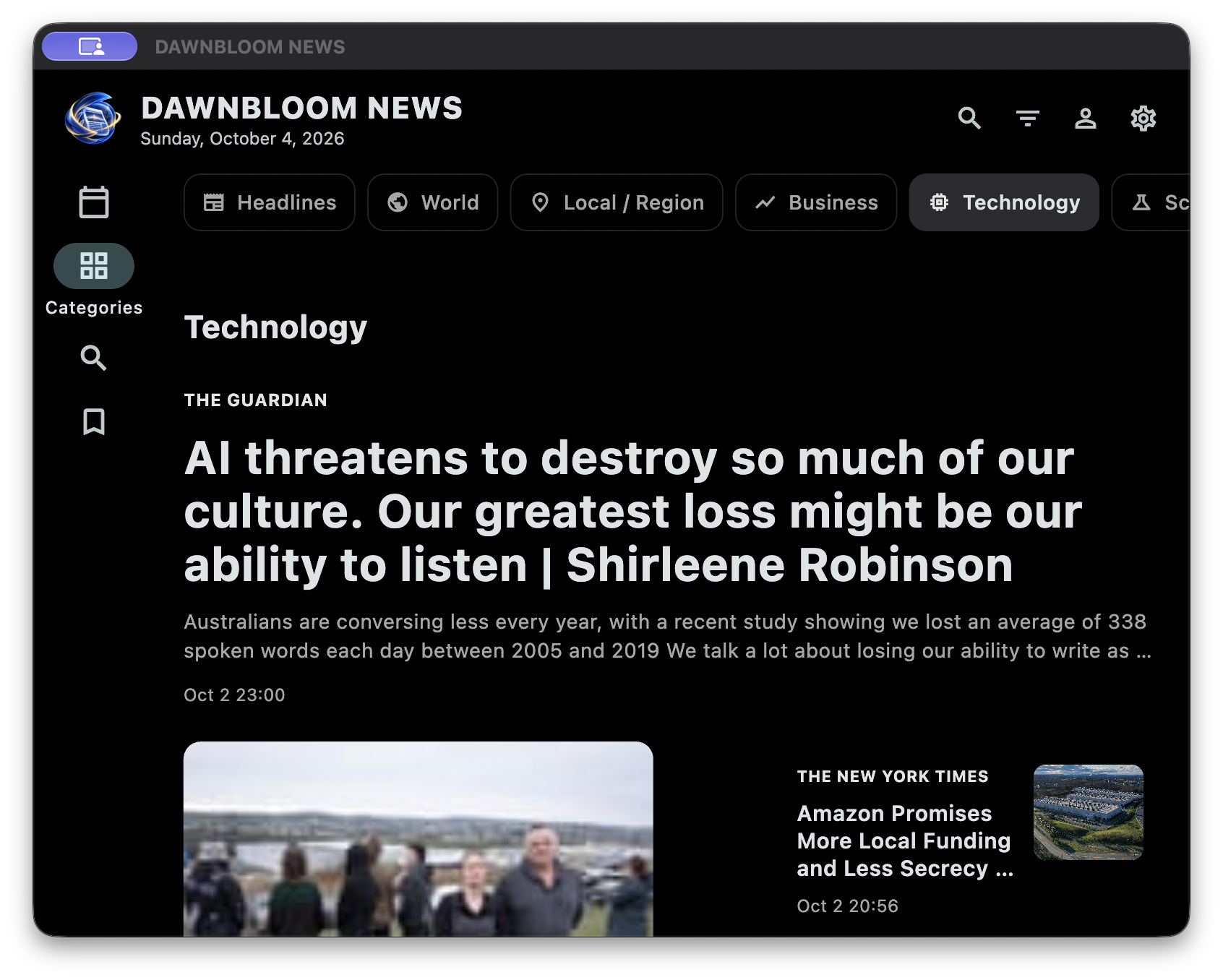
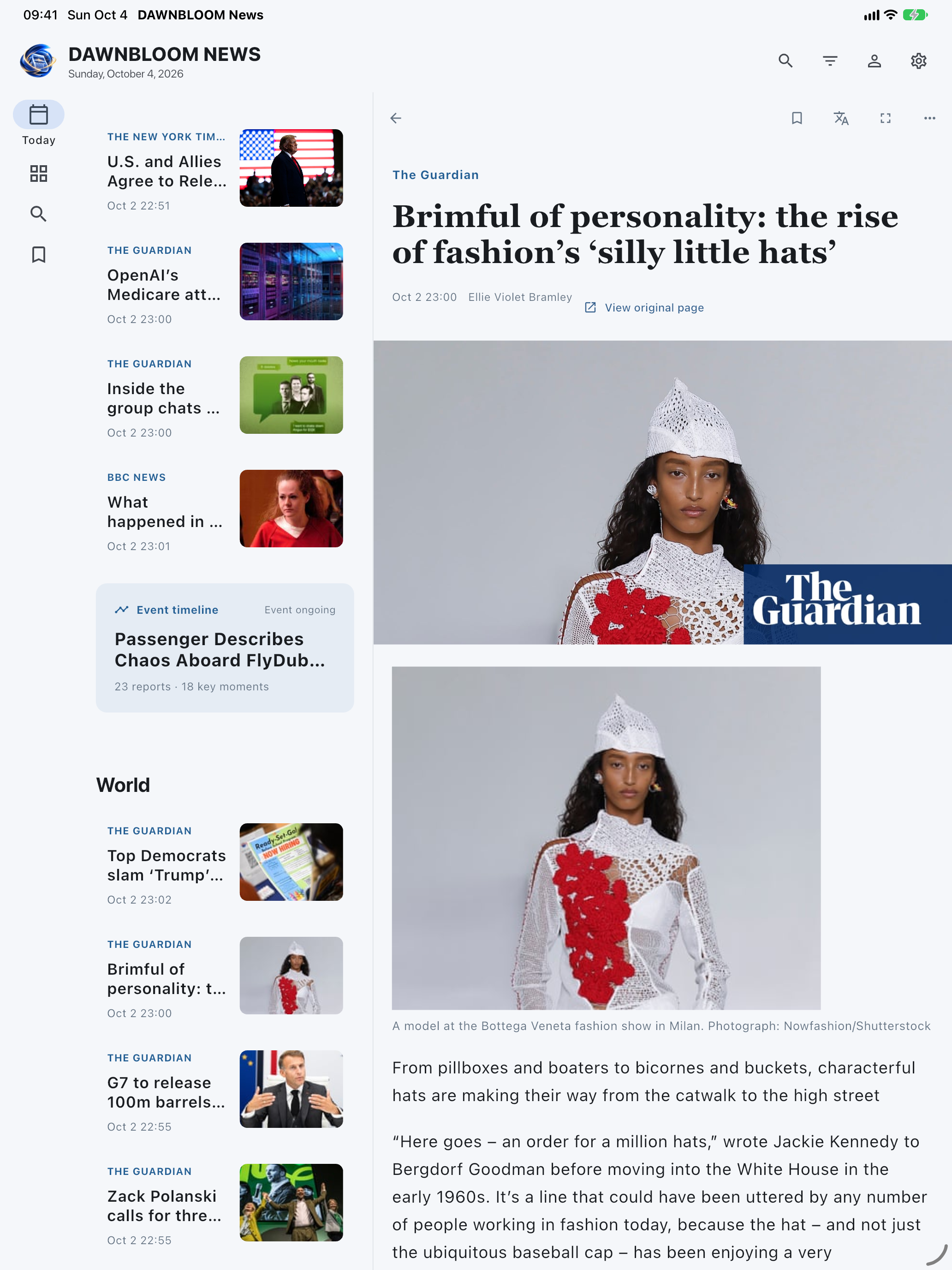
One newsroom. Different screens.
08 / LANGUAGES
Read in your language.
UI resources currently cover eight languages; native-language editorial review is still in progress. Article language depends on its publisher.
- 简体中文
- 繁體中文
- English
- 日本語
- 한국어
- ภาษาไทย
- Français
- Deutsch
APPLE · 1.3.2
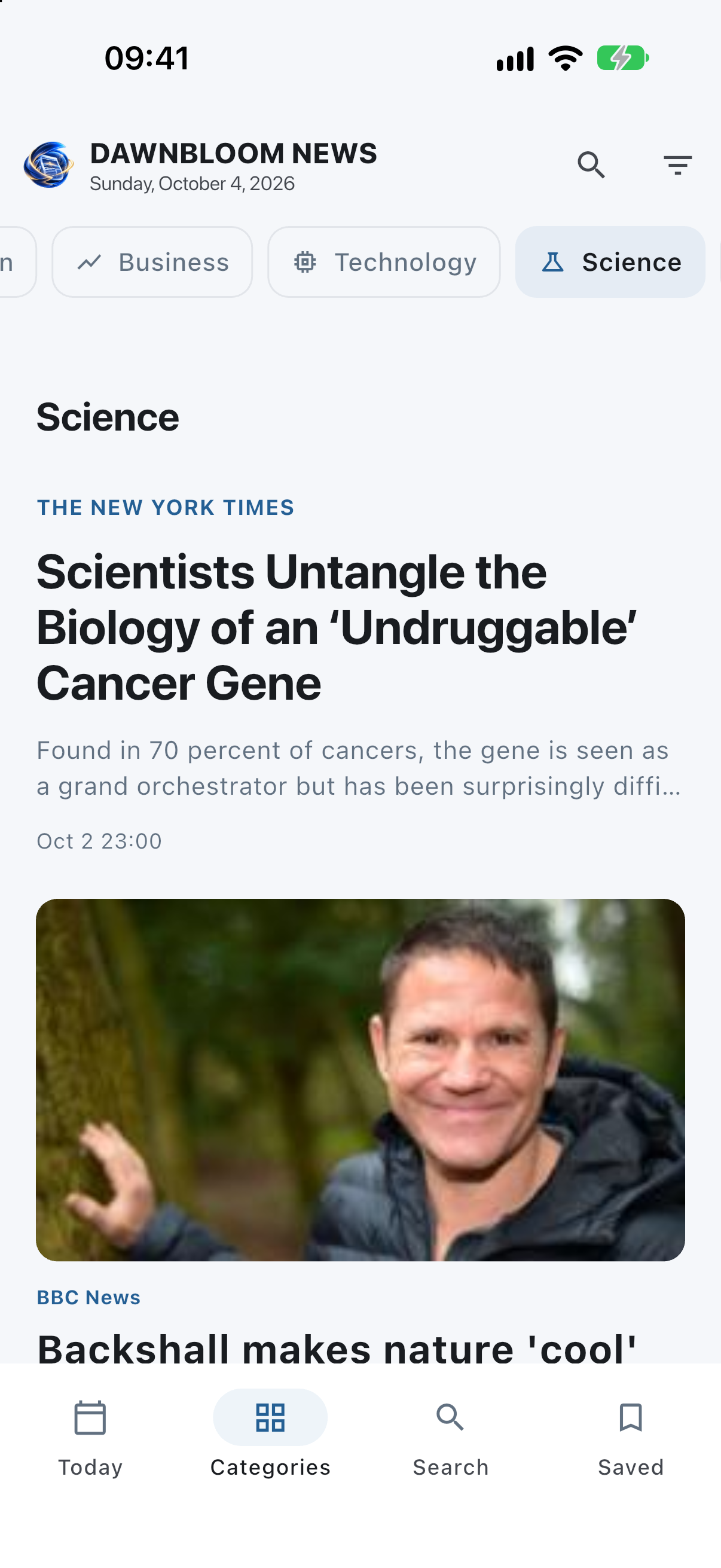
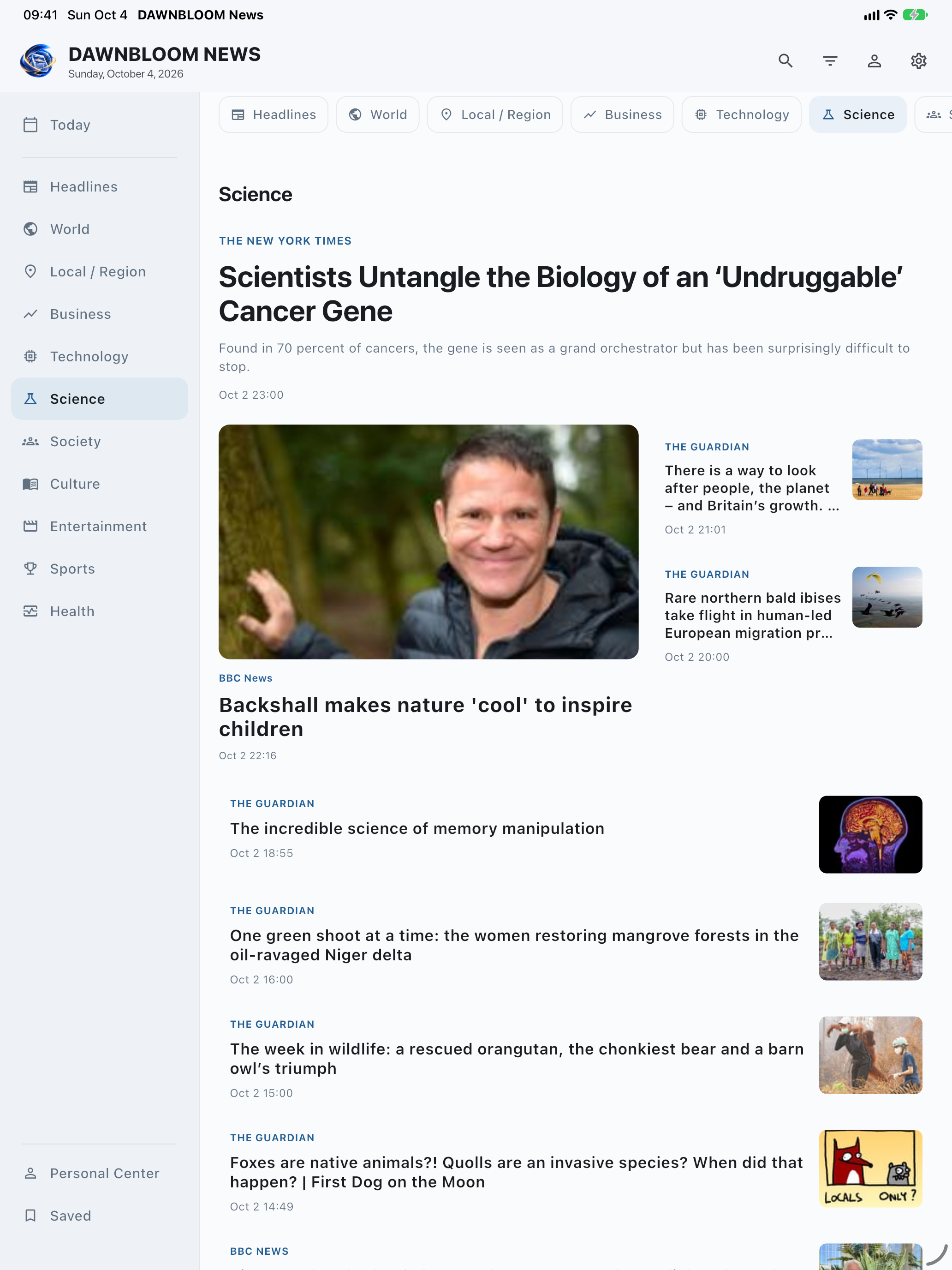
Apple editions and real app screens
Builds uploaded; review information is being prepared. App Store downloads are not open yet.
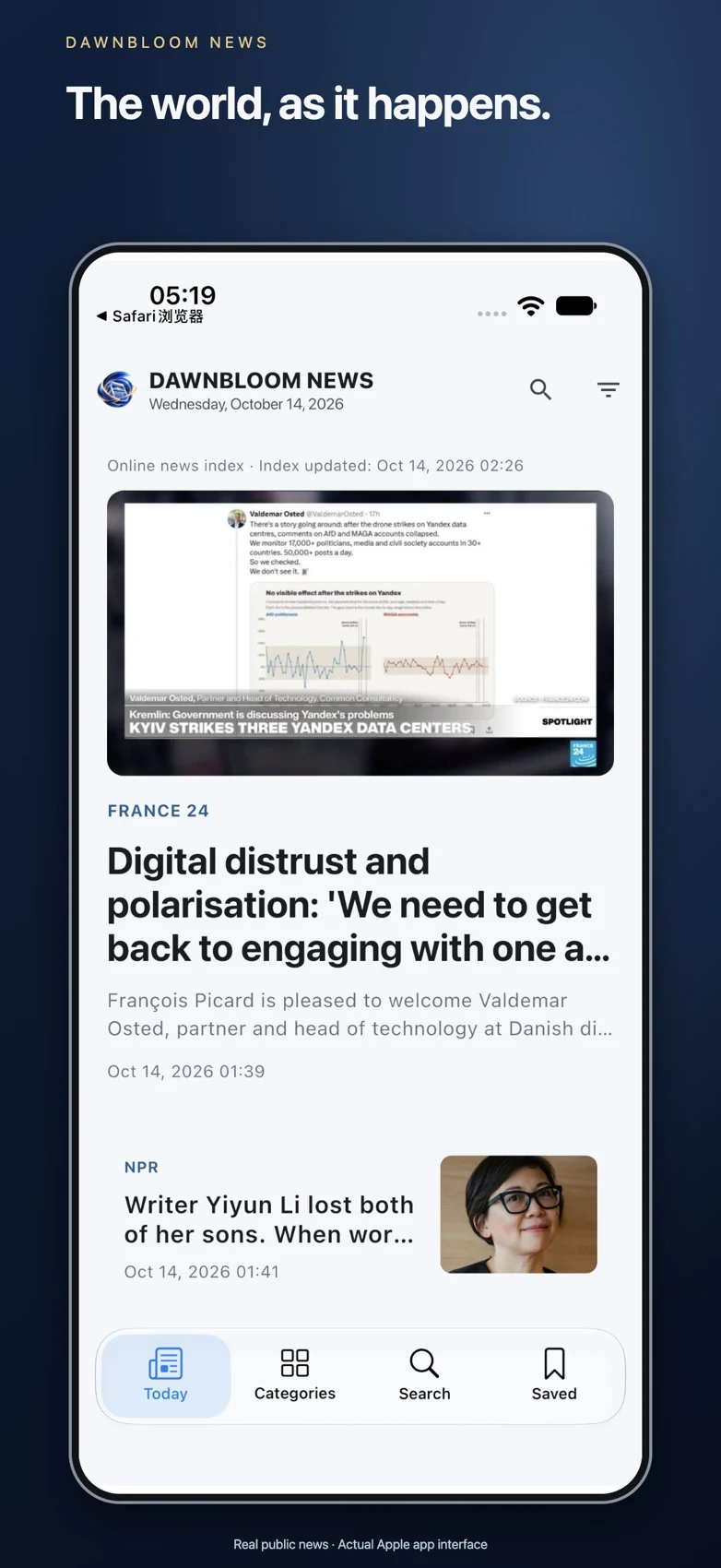
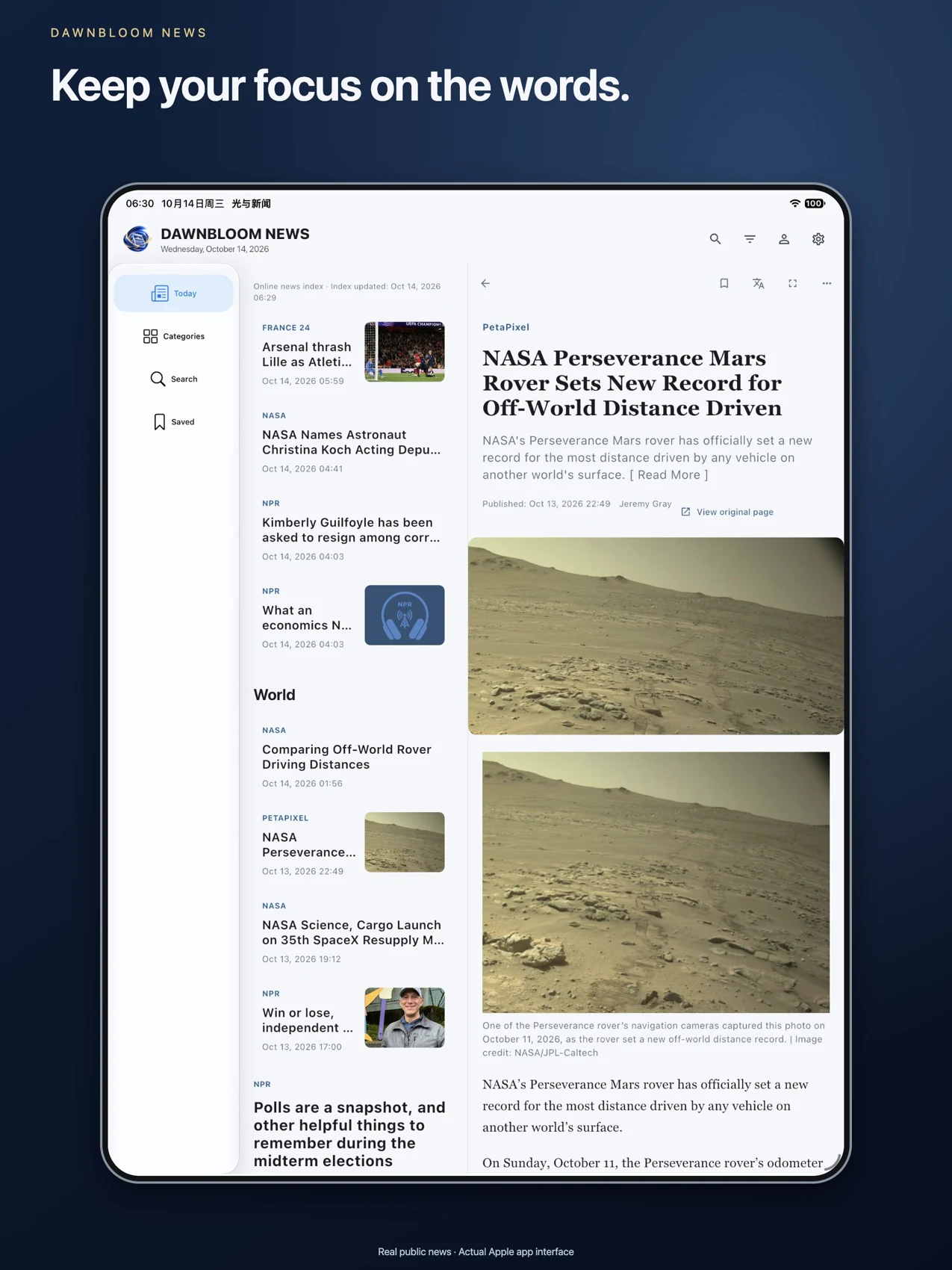
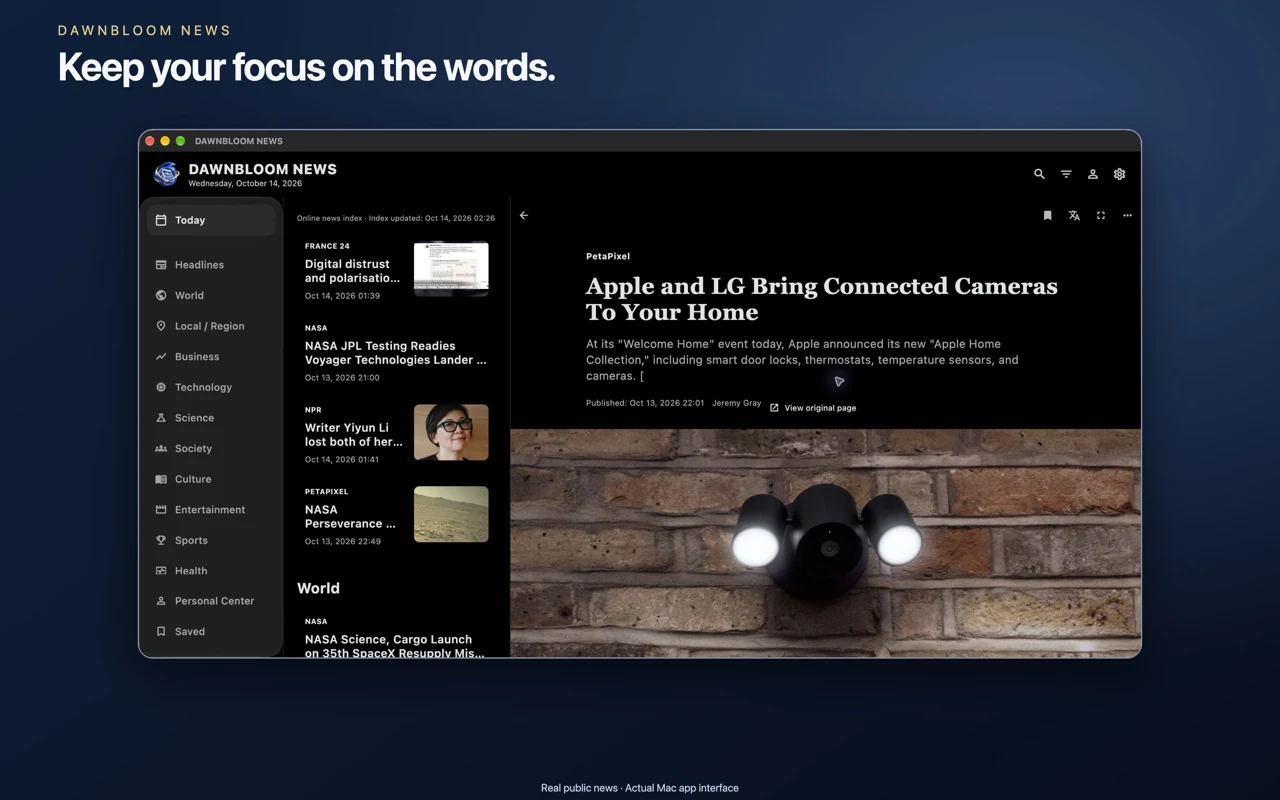
Real public news · Actual Apple app interface
10 / FAQ
Questions
Do I need an account to read?
No. News, search, saved stories and on-device recommendations work without sign-in. Event timelines will have no sign-in gate when available. The DAWNBLOOM Account in Personal Center is optional.
What if Reader cannot extract an article?
The app shows a clear message with retry and original-site options. Dynamic pages or publisher access rules can prevent extraction.
Is reading history uploaded for recommendations?
Ranking is primarily done on your device. There is no long-lived server interest profile for anonymous readers. Optional light sync is not live yet.
Can I download it now?
Yes. Android and macOS are available from the DAWNBLOOM website. iPhone and iPad timing depends on Apple review; the Mac App Store channel opens after approval, alongside the website download.