DAWNBLOOM Account
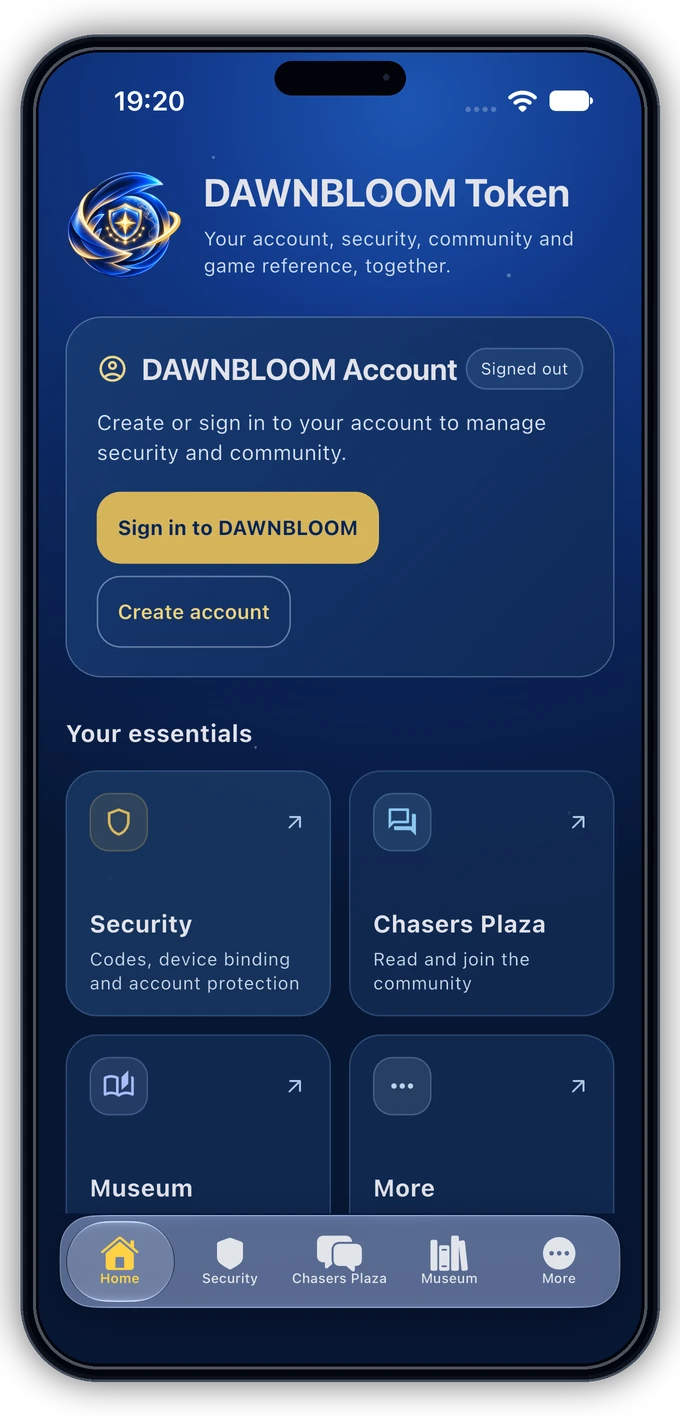
Register or sign in in the app and find your account and security controls.
 ⌕
⌕  DAWNBLOOM TOKEN
DAWNBLOOM TOKEN
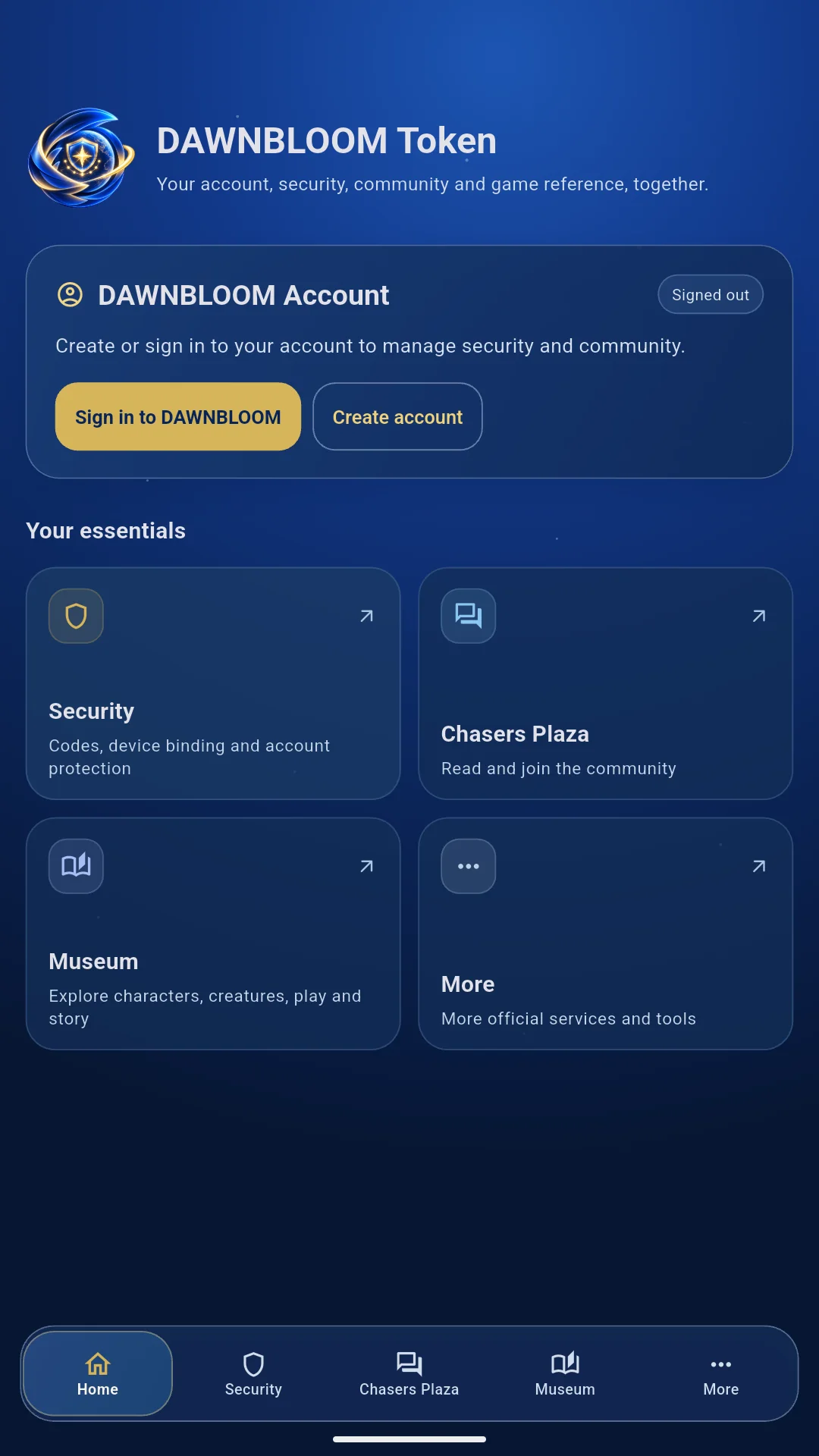
Register or sign in with your DAWNBLOOM Account and check security and dynamic codes. The community and museum entries open their official website sections in DAWNBLOOM Browser.
DAWNBLOOM Token uses the same account as the website, game, and other DAWNBLOOM products. You can register or sign in directly in the app.FEATURES
Register or sign in in the app and find your account and security controls.
After binding, generate a 6-digit code on your device, even offline when device time is accurate.
Check device binding and login approvals. Security notifications are offered as they become available.
Browse community posts and use the existing community service after signing in.
Explore published characters, creatures, items, activities, and stories by category.
Reach Support, News, legal information, and the official website from More.
USAGE GUIDE
SECURITY NOTICE
DAWNBLOOM Token strengthens security but does not replace a unique password. Never reuse your DAWNBLOOM password elsewhere. Reject any login approval or code you did not request and review Account Management immediately.
ACCOUNT SECURITY
Verify the account, password, email code, 10-digit binding code, and the current 6-digit Verification Code from the app. Before binding, the code can only complete this device binding.
Continue →Sign in and re-verify the password, 10-digit binding code, current Verification Code, and email code.
Continue →For theft or abnormal binding. Its only action is removing the current token.
Continue →06 / LANGUAGES
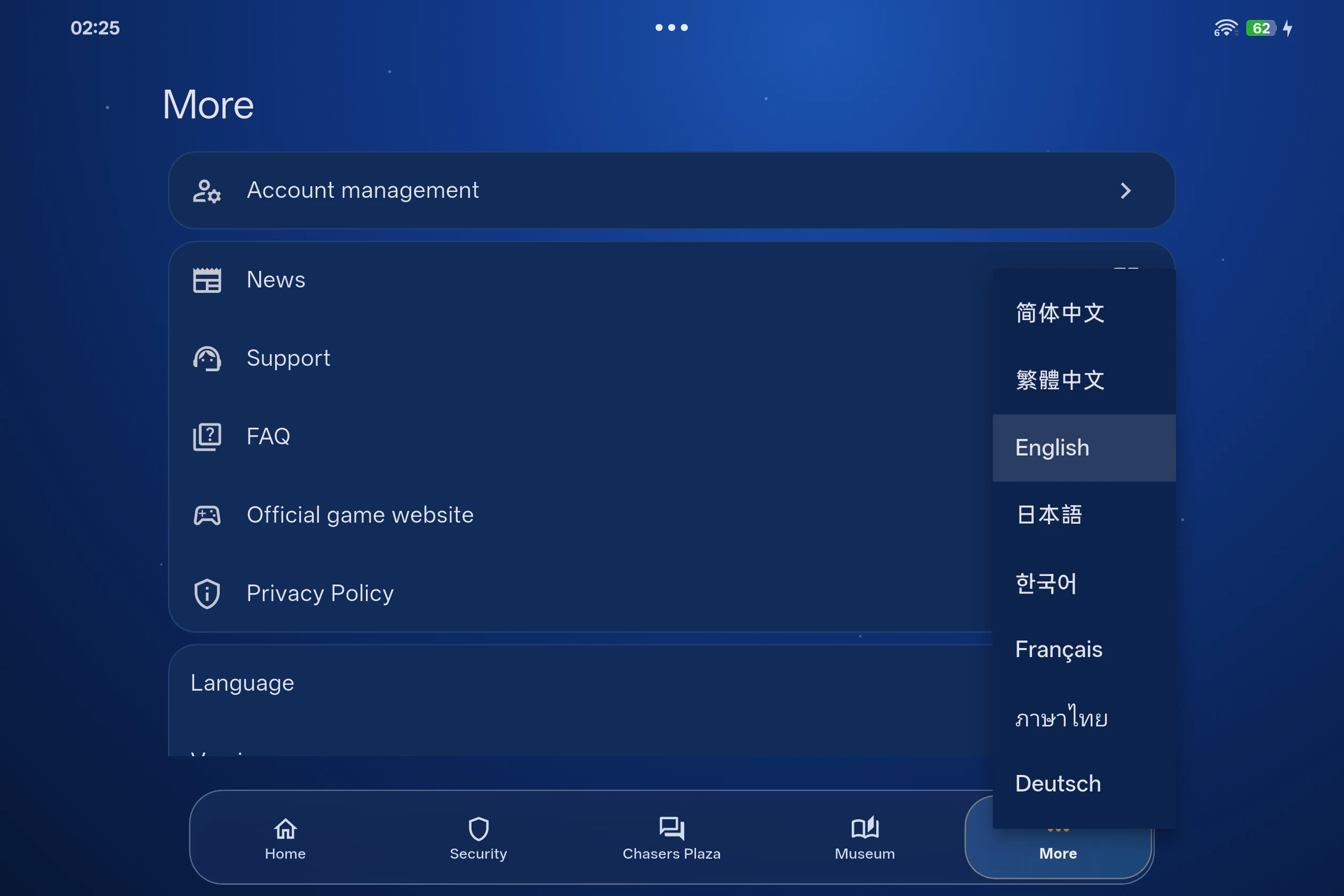
DAWNBLOOM Token 2.1.0 offers eight interface languages. Choose yours in More → Language. Switching languages keeps your account, device binding and verification codes unchanged. Website sections use their available language versions.
PRIVACY & SECURITY
DAWNBLOOM Token follows data minimization. It does not read your camera, microphone, location, contacts, or full photo library. Photos and files are processed only when you actively select them with a system picker. Personal data is not sold and no ad tracking is used.
Read the DAWNBLOOM Token Privacy Policy →FAQ
No. It uses the same DAWNBLOOM Account as the website, game client, Player Center, and community.
Yes. Choose Quick registration on the app home screen and follow the existing DAWNBLOOM Account process. You can also sign in with an existing account.
First enter your DAWNBLOOM username and password. An unlinked account signs in directly; a linked account then enters its current 6-digit code.
Only a linked account needs a token code after its password is verified. The currently linked device can use its local code after device security verification.
Yes, but only after the password has been verified for a linked account. It is the second step; unlinked accounts do not need it.
It identifies the current account-device relationship for website binding. It is not a password by itself.
Not during normal use. App restarts, sign-ins, phone restarts, and session refreshes do not change it. Unbinding or replacement permanently revokes it.
The 10-digit code is a stable device identifier. The 6-digit Verification Code changes every 60 seconds. The same code stream remains visible before and after binding; before binding it can only confirm the device, and after binding it becomes a formal second factor.
Sign in to the same account, open Support → Account Management → Bind DAWNBLOOM Token, complete sensitive verification, then enter it.
Check that it has 10 digits, the device is valid, you are signed in to the same account, and sensitive verification is complete. Another account cannot use it.
App sign-in proves that you can access the account and verification channels. Website confirmation records your explicit authorization to use this device as DAWNBLOOM Token. Both confirmations are required.
The binding code is not a password and cannot control an account on its own. Binding still requires signing in to the same account and completing sensitive verification. Do not publish it or upload it to logs, crash reports or analytics services.
It cannot be refreshed for an existing relationship. A new code is created only after unbinding or replacing the device.
Only after unbinding, device replacement, or lost-device recovery, when a new device creates a new code.
Yes. The new phone uses a new device key and a new 10-digit code. The old code is never copied.
No. The old code, dynamic secret, device key, and Push security binding are revoked immediately and never reused.
Currently, one account can have 1 active primary token device. A second device requires the replacement flow.
No. One token security identity can bind only one DAWNBLOOM Account and must be unbound before switching.
Use Emergency Unbind in website Account Management as soon as possible. Historical account evidence removes only the current token and changes no other account data.
Yes. Account region and interface language are independent. Any supported language can bind as long as the same account_id is used throughout.
A short lifetime reduces the risk of an old code being reused. Always use the current code shown in the app.
Yes. Once the device is formally bound and provisioned with the required security material, it can generate current dynamic codes offline. The device clock must be accurate.
Sign in to the same account, then re-verify the password, 10-digit binding code, current dynamic code and email verification code. The old device credentials become invalid immediately after unbinding.
Yes. After app sign-in, the app shows the unified 6-digit Verification Code. On the website, sign in to the same account, verify the password, email code, and 10-digit binding code, then enter the current Verification Code. Before binding, it can only complete token binding and cannot authorize sign-in or other security actions.
It is a strict recovery path for theft or abnormal binding. It removes only the current token, changes no other account data, and never signs you in.
Do not approve unknown sign-ins or share any code. Check Account Management immediately, use Emergency Unbind if the token is unavailable, and contact official Support.
Use the official website download on the DAWNBLOOM Token page. If unavailable, wait until release information is verified.
The Token page will link to the real App Store product after publication. It is not published yet.