

 DAWNBLOOM · DOWNLOAD
YOUR DOWNLOADS. YOUR DEVICE.
Give downloads a place of their own.
Bring a link. Keep web files and other familiar downloads together, pause and continue on your terms, then open the result where you need it. Files arrive directly on your computer.
01 / ONE PLACE
One place for every download.
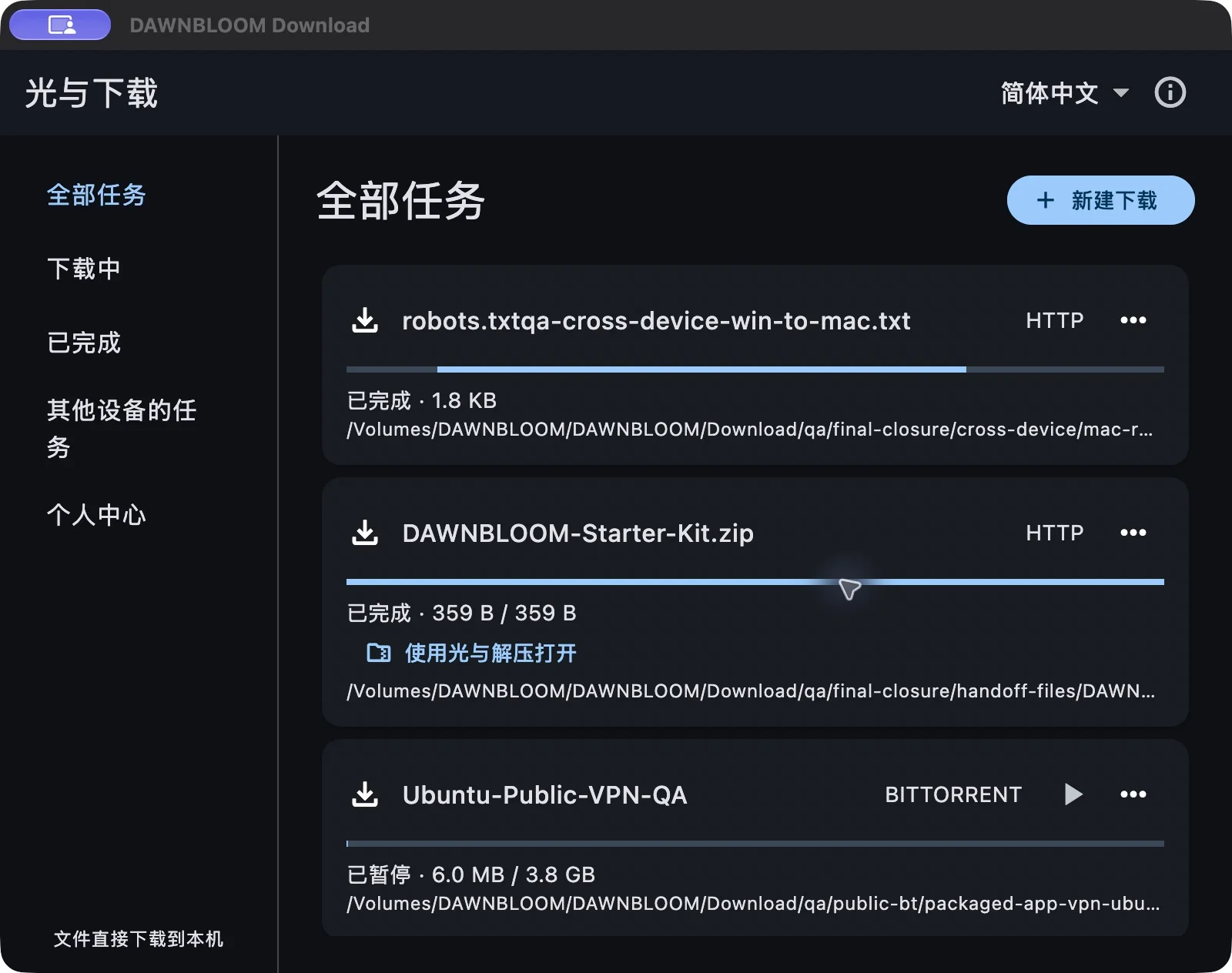
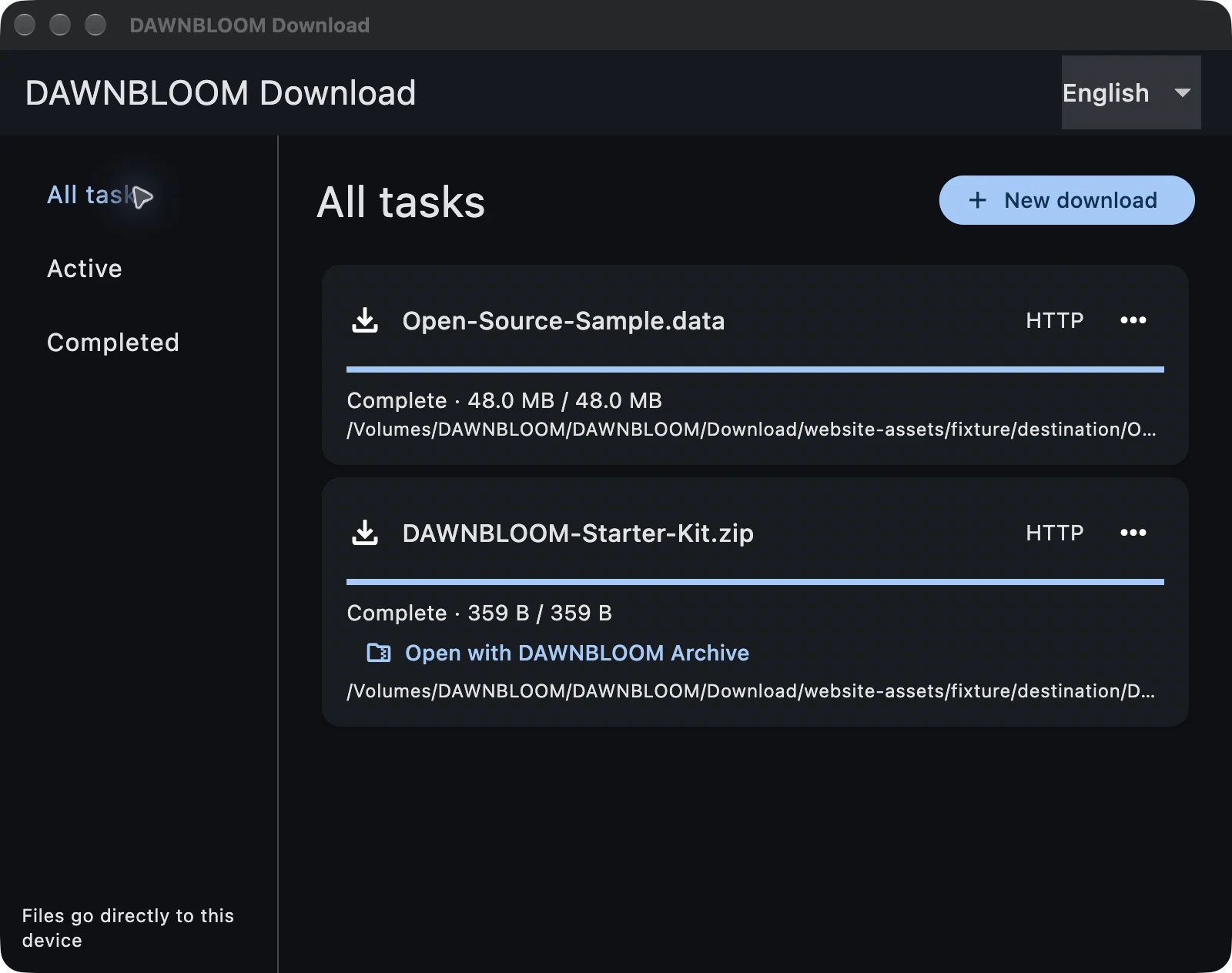
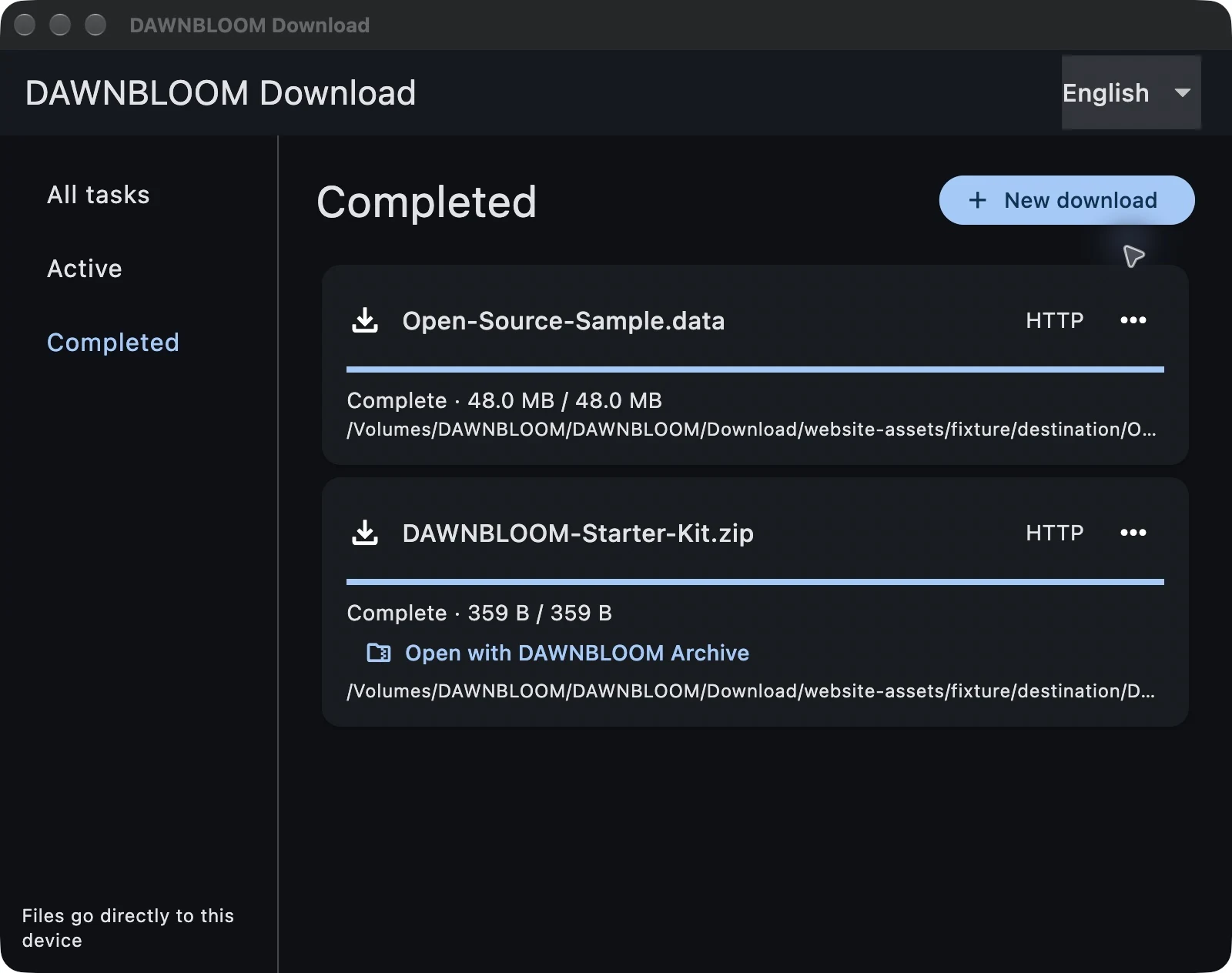
HTTP, HTTPS, FTP, FTPS, SFTP, Torrent, Magnet and ED2K tasks share one clear list. See the name, progress and status at a glance.
- HTTP / HTTPS
- FTP / FTPS / SFTP
- Torrent / Magnet / ED2K
02 / KEEP GOING
Pause. Come back. Continue.
Pause and continue a task. When a source supports resuming, the app keeps the completed portion. Your task records stay on this computer.
03 / BROWSER HANDOFF
From a page to your download list.
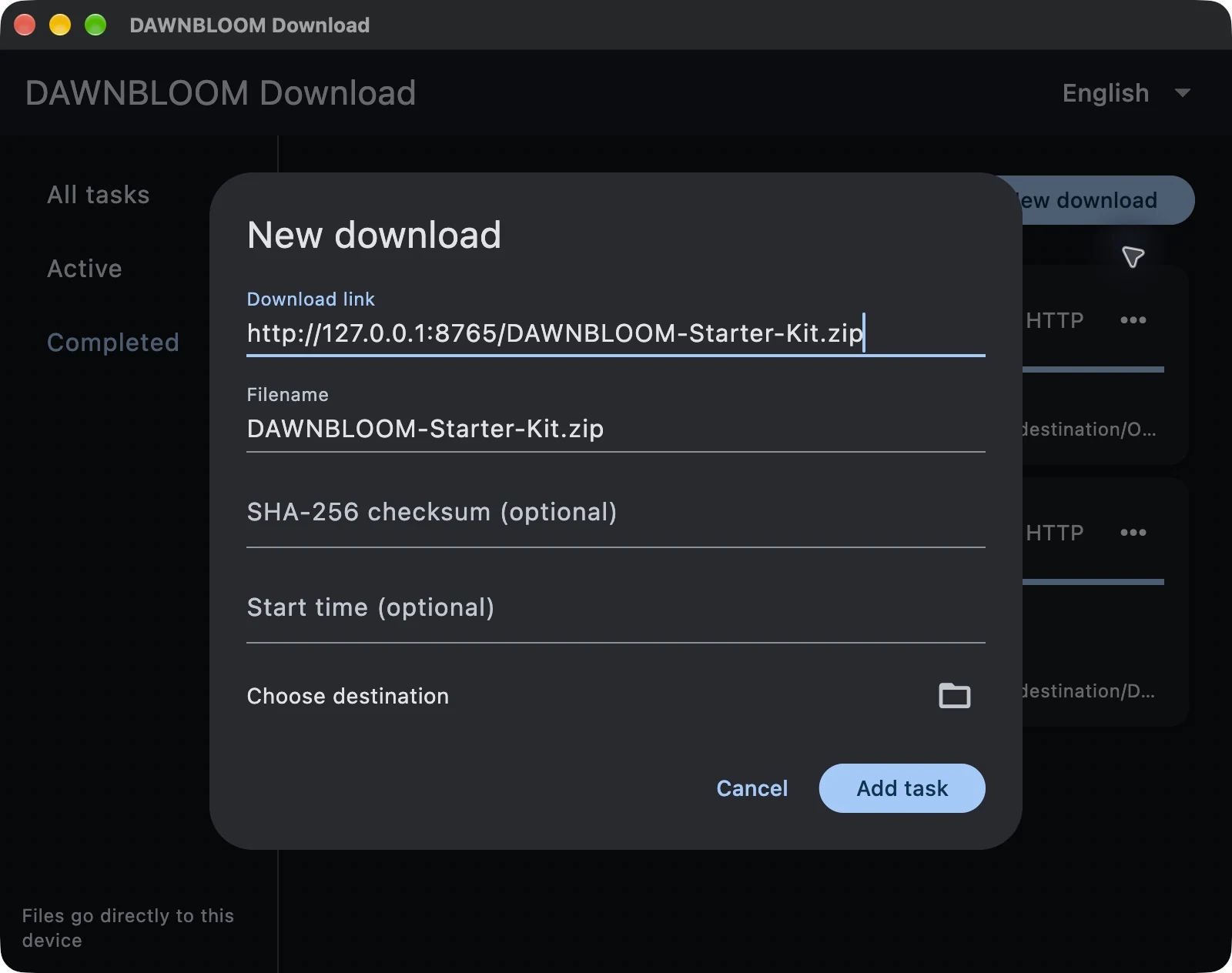
Choose “Use DAWNBLOOM Download” in DAWNBLOOM Browser. The link and file name arrive locally for your confirmation, then Download fetches the file from its original source.
Handoff of website sign-in headers and cookies is not available yet.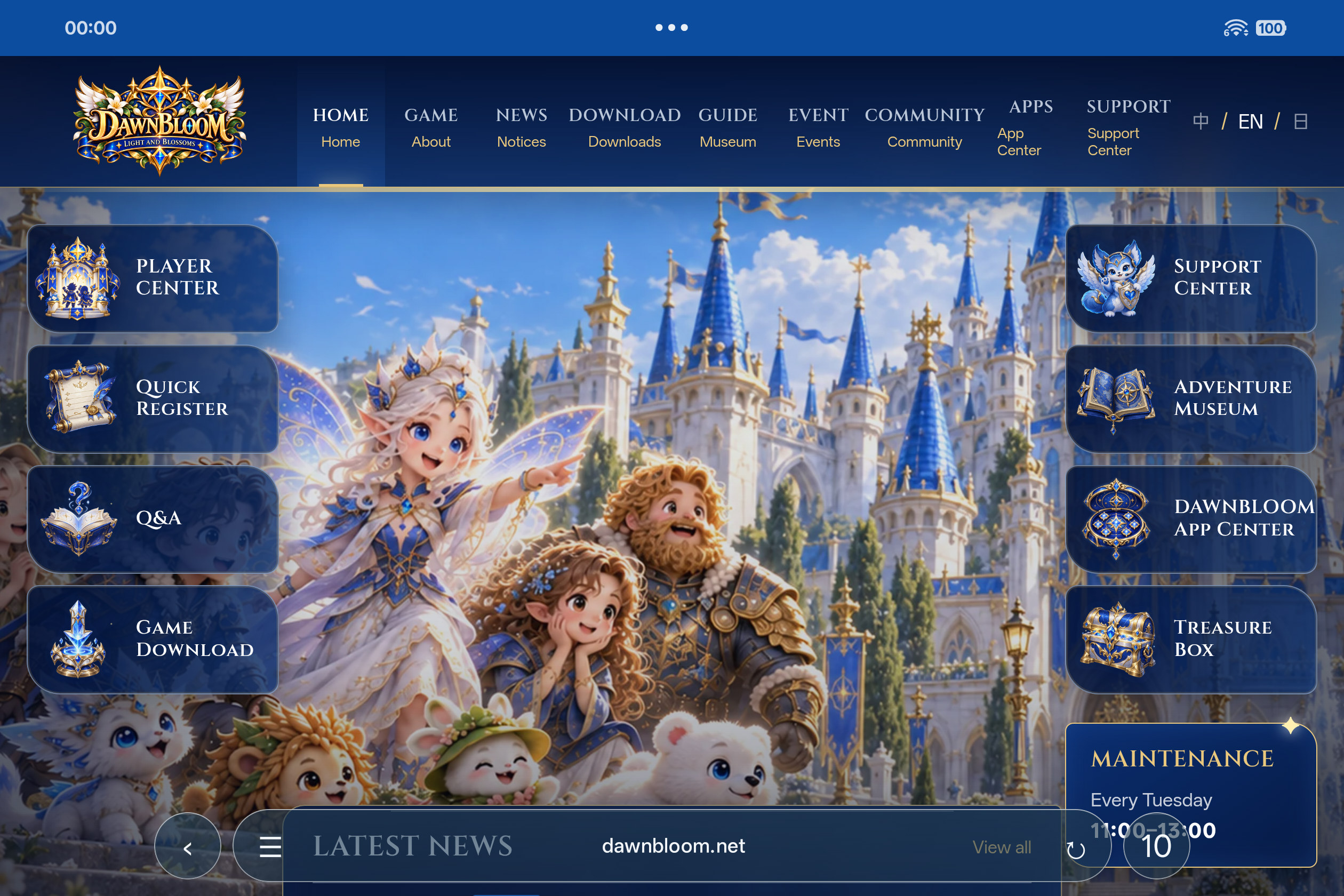
04 / OPEN THE NEXT STEP
Done downloading. Ready to open.
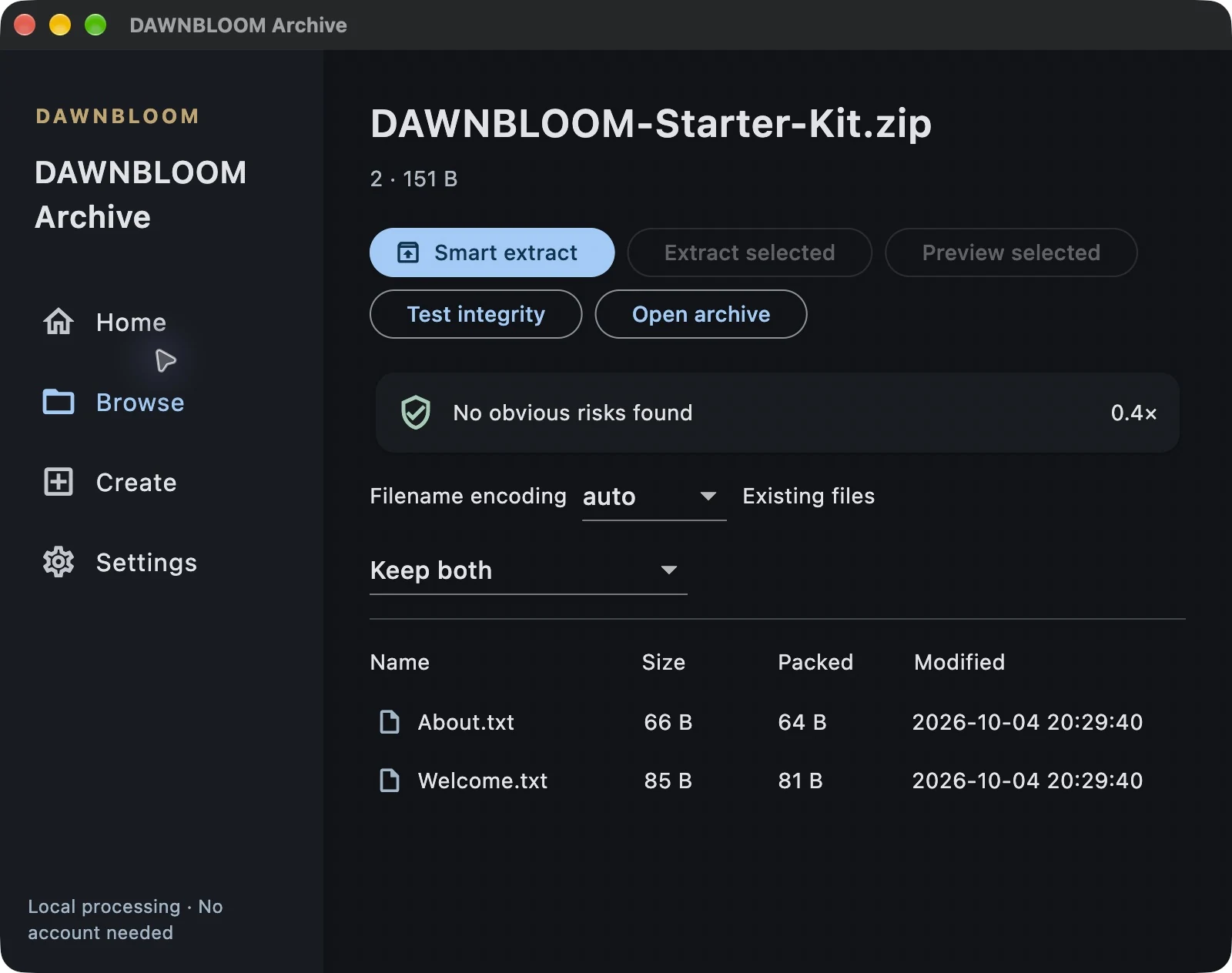
For a completed archive, choose to open it with DAWNBLOOM Archive right from the task. The file stays on your device.
05 / LOCAL FIRST
Your files take the direct route.
Files travel from their source to your device. DAWNBLOOM does not relay files. Task records stay local by default. If you sign in and opt in to sharing, only safe task metadata is synced for 72 hours; other devices download from the original source.
06 / LANGUAGES
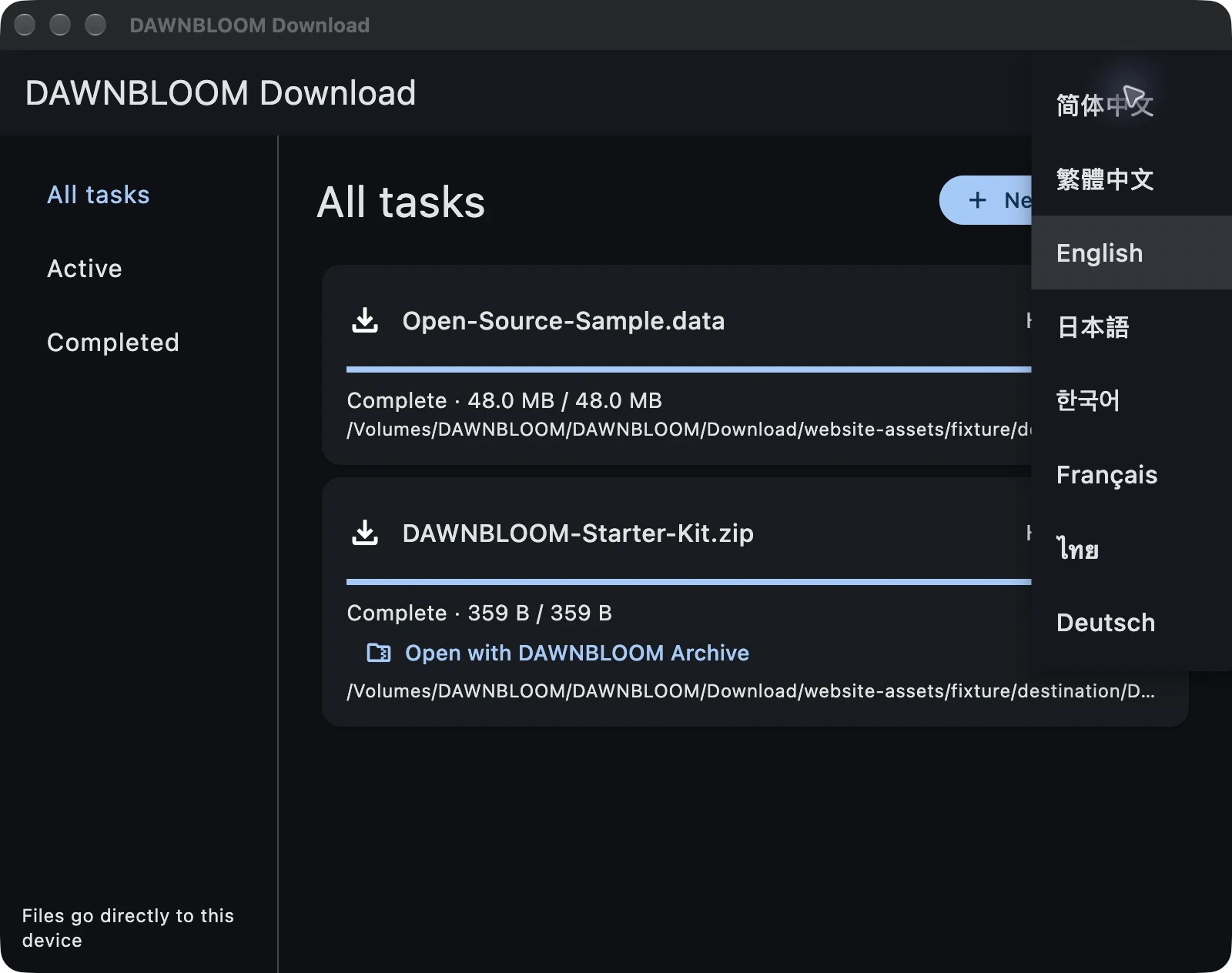
Make it yours, in your language.
The app offers eight interface language choices. Product information on this website is available in 20 languages.
- 简体中文
- 繁體中文
- English
- 日本語
- 한국어
- Français
- ภาษาไทย
- Deutsch
08 / QUESTIONS
A few more things to know.
Which app interface languages are available?
The desktop app offers Simplified Chinese, Traditional Chinese, English, Japanese, Korean, French, Thai and German. The website product page is available in 20 languages.
Is DAWNBLOOM Download free?
Free forever, with no in-app ads. Download the macOS and Windows installers on this page.
Must I sign in?
No. Local downloads do not require an account.
Does sign-in make downloads faster?
No. Sign-in does not change speed, connection count, or protocol access.
Why is guest use not throttled?
Files travel from the source to your device. An account is not a bandwidth switch.
Which download types are supported?
1.2.0 supports HTTP/HTTPS, FTP, FTPS, SFTP, Torrent, Magnet and ED2K. HLS and single-file Metalink have format limits.
Does it support HTTP?
Yes. HTTP and HTTPS files download directly from their source to your device.
Does it support FTP?
FTP and FTPS support resume when the server permits it. SFTP uses SSH with username/password authentication and host-key verification.
Does it support Magnet links?
macOS and Windows support Magnet downloads, obtaining metadata and files from peers. Available peers are required; connectivity depends on your network.
Does it support torrent files?
The macOS and Windows versions can download from .torrent files. Per-file selection and priority controls are not available yet.
Does it support ED2K?
Common ed2k:// file links support source discovery, download, pause, resume and hash verification. Available peers are required; no resource search is provided.
What is ED2K?
It is a peer-to-peer file-sharing link and network. Other peers may see your IP address.
Does it support thunder://?
Public thunder:// wrappers are decoded into HTTP, HTTPS, FTP or ED2K targets. No private Thunder service is used.
Does it support M3U8?
Some finite, unencrypted M3U8 playlists work. Live streams, DRM, and some media formats are not supported.
Does it support Metalink?
An online single-file Metalink can provide an HTTP(S) mirror and checksum. Multi-file lists and local import are not available yet.
Can it bypass DRM?
No. The product does not bypass DRM or access controls.
Can downloads resume?
Yes, when the source allows it. A paused task or one interrupted by an app restart can continue from saved progress; some sources require a fresh start.
How many tasks run at once?
Two tasks run at once by default. Choose 1–8 in Settings; the rest wait in the queue.
Are speed limits available?
Speed-limit controls are not available yet.
Can I schedule downloads?
A local start-time field exists, but scheduled downloading is not yet listed as an available feature.
Does BitTorrent upload?
It may upload to peers while downloading. The current Mac version stops seeding when the task completes.
Can peers see my IP?
Yes, they may. P2P is not an anonymity service.
Can I stop seeding?
Seeding stops by default when the download completes. More detailed upload controls are not available yet.
Do files pass through DAWNBLOOM servers?
Not with the implemented direct adapters. Sources send files to your device.
Is my download history stored on DAWNBLOOM servers?
Task records stay local by default. Opt-in sharing syncs safe metadata for 72 hours. Authenticated links, local paths, cookies, passwords and file bytes are excluded.
Can I send a task to another device?
Yes. Sign in to the same account and enable sharing on both devices. Download on this device fetches from the original source; files are not synchronized.
Can DAWNBLOOM Browser send a link to Download?
On macOS and Windows, send a link and filename from Browser, then confirm the task. Handoff stays local; website sign-in headers and cookies are not transferred yet.
Can DAWNBLOOM Archive open completed files?
Yes. On macOS and Windows, a completed ZIP task can open in DAWNBLOOM Archive on the same device, without a server relay.
How do I verify SHA-256?
Enter the SHA-256 provided by the source when adding a task; the result is compared after download. Installer SHA-256 checksums are listed in the download section of this page.
Can I use a proxy?
Proxy controls are not complete yet.
Why might the OS show an unknown publisher?
The Windows installer is unsigned and may trigger unknown publisher or SmartScreen warnings. macOS uses an ad hoc signature, without Developer ID or notarization.
Are large files supported?
Files are written to disk as they arrive. Reliability with multi-GB files is still being improved, so not every large-file source is guaranteed to complete.
How do I clear partial files?
Partial downloads use named staging files. In-app cleanup is not complete.
What if a download fails?
Read the task error and retry. A source without resume support may require a fresh start.
Can I continue after power loss?
Task records and partial files remain on your device. After restarting, you can try to continue; resuming from the same point depends on the source.