


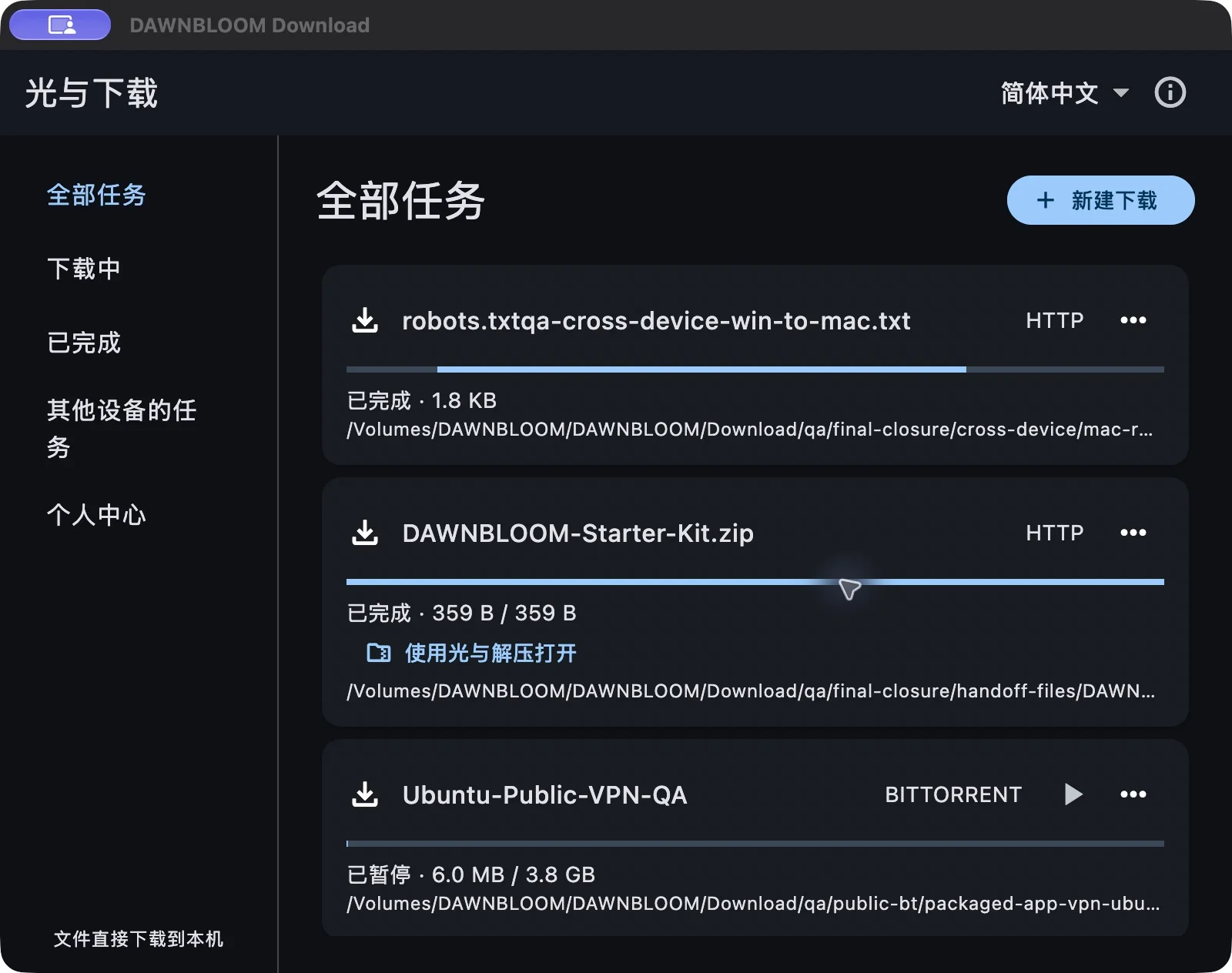
DAWNBLOOM Download 1.2.0 is now available for macOS and Windows. Manage downloads, pause and resume, verify files and take the next step after completion in one desktop space.
Common download protocols, one task list
- Basic downloads support HTTP, HTTPS, FTP, FTPS, SFTP, Torrent, Magnet and ED2K.
- Create tasks, choose a save folder, pause and resume, and keep task records locally. Sources that support resuming can continue after you reopen the app.
- Verify downloads with SHA-256. Speed and availability depend on the source, network, device and protocol. P2P downloads need available sources, and other peers may see your IP address.
Directly from the source to your device
DAWNBLOOM Download is free, with no app advertising. Files travel directly from the original server or P2P network to the device, without passing through DAWNBLOOM servers. Core local downloading works without an account and is never slowed down for being signed out.
Account extras are your choice: sign in to sync a small amount of settings and explicitly share task information. Shared records expire after 72 hours. The receiving device downloads from the original source; the file itself is never uploaded.
Local app handoff and 8 languages
Choose “Use DAWNBLOOM Download” in DAWNBLOOM Browser to pass the link and filename locally, then confirm the task. A completed ZIP can be opened with DAWNBLOOM Archive, with the file remaining on the device.
The interface supports Simplified Chinese, Traditional Chinese, English, Japanese, Korean, French, Thai and German.
Platforms and installation notes
- The macOS package is for Apple Silicon Mac. It has no Apple Developer ID signature or notarization, so the system may warn that the developer cannot be verified.
- The Windows x64 installer has been tested under x64 emulation on Windows 11 ARM. It is unsigned, so Windows may show an unknown publisher or SmartScreen warning.
The product page now includes official downloads, version information, checksums and yellow download buttons. Get the appropriate package from the DAWNBLOOM Download product page.
Current limits
Browser cookies and other authenticated request context are not connected yet. Advanced Torrent file priorities, user speed limits and special HLS and Metalink cases are still being improved and are not promised as fully supported in this release. Use sources you are authorized to access; protocol support does not grant rights to the content.
The image is a freshly captured, actual macOS app window showing public test-file tasks.