

Guide Directory
SOCIAL & GUIDE SPIRIT
Social & Dawnbloom Guide
Manage friends, private messages, and family connections in one place, with the Dawnbloom Guide always ready to help.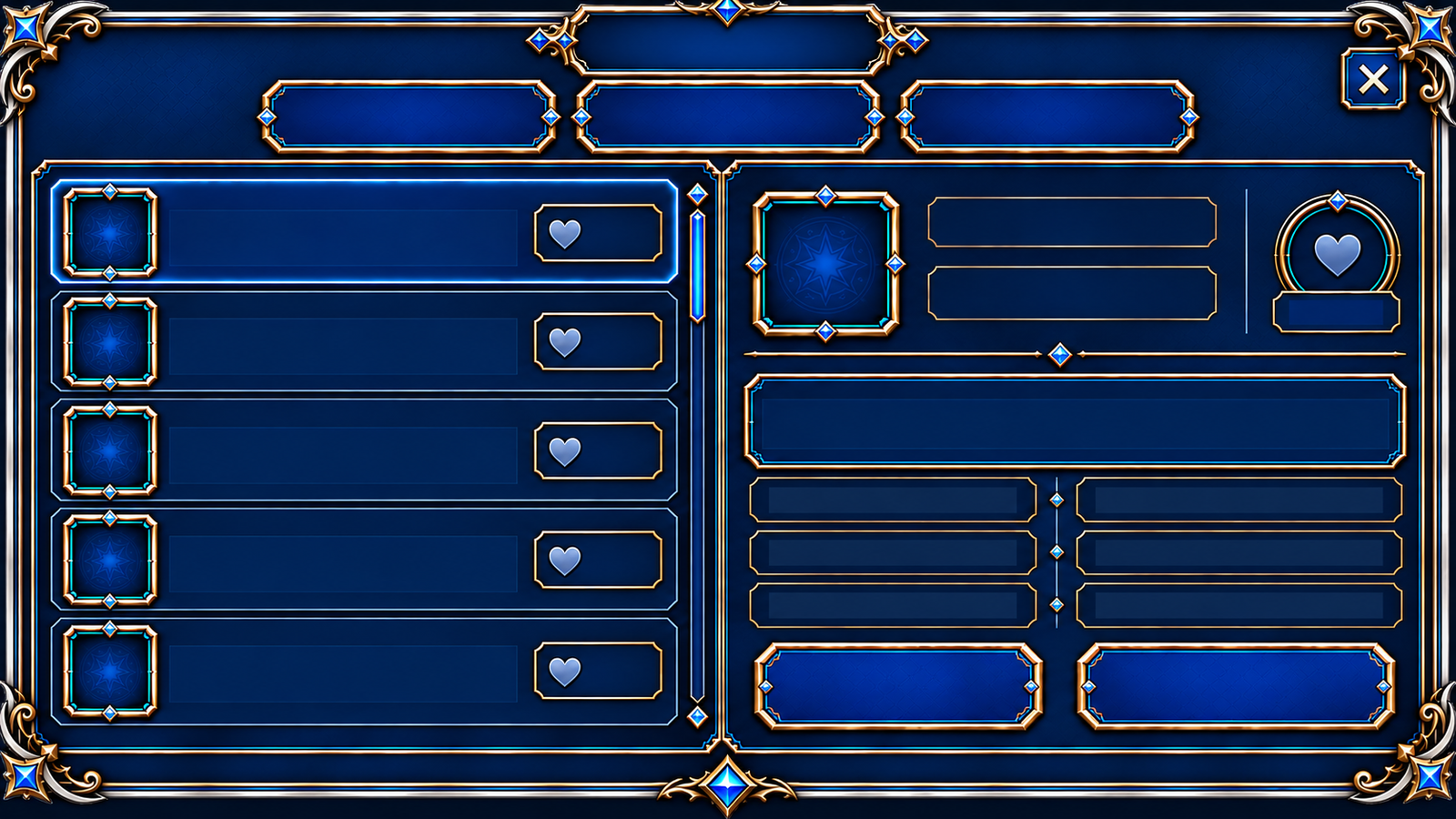
SocialFriendsStart chat

OFFICIAL GUIDEDawnbloom GuidePublic information guide · no friend slot used
System overview
- The Friends page shows contacts and online status, then opens private chat or public profile actions for a selected friend.
- Messages collect recent conversations, while Family links to members, events, activities, and guest information.
- Accept or reject a friend request, and remove a friend later if needed. Blocking prevents related interactions; unblocking does not automatically restore the friendship.
- Use the in-game report action to submit the player and reason. For account theft, fraud, or harassment, you can also contact official Support with relevant evidence.
Dawnbloom Guide
- The Dawnbloom Guide is pinned at the top of Friends and does not use a normal friend slot.
- She can explain published gameplay, quests, activities, and travel information, but never controls your character or makes choices for you.