


Guide Directory
PIGEON MAIL
Pigeon Mail
Receive, compose, read, and claim attachments from one blue-and-gold adventurer mailbox.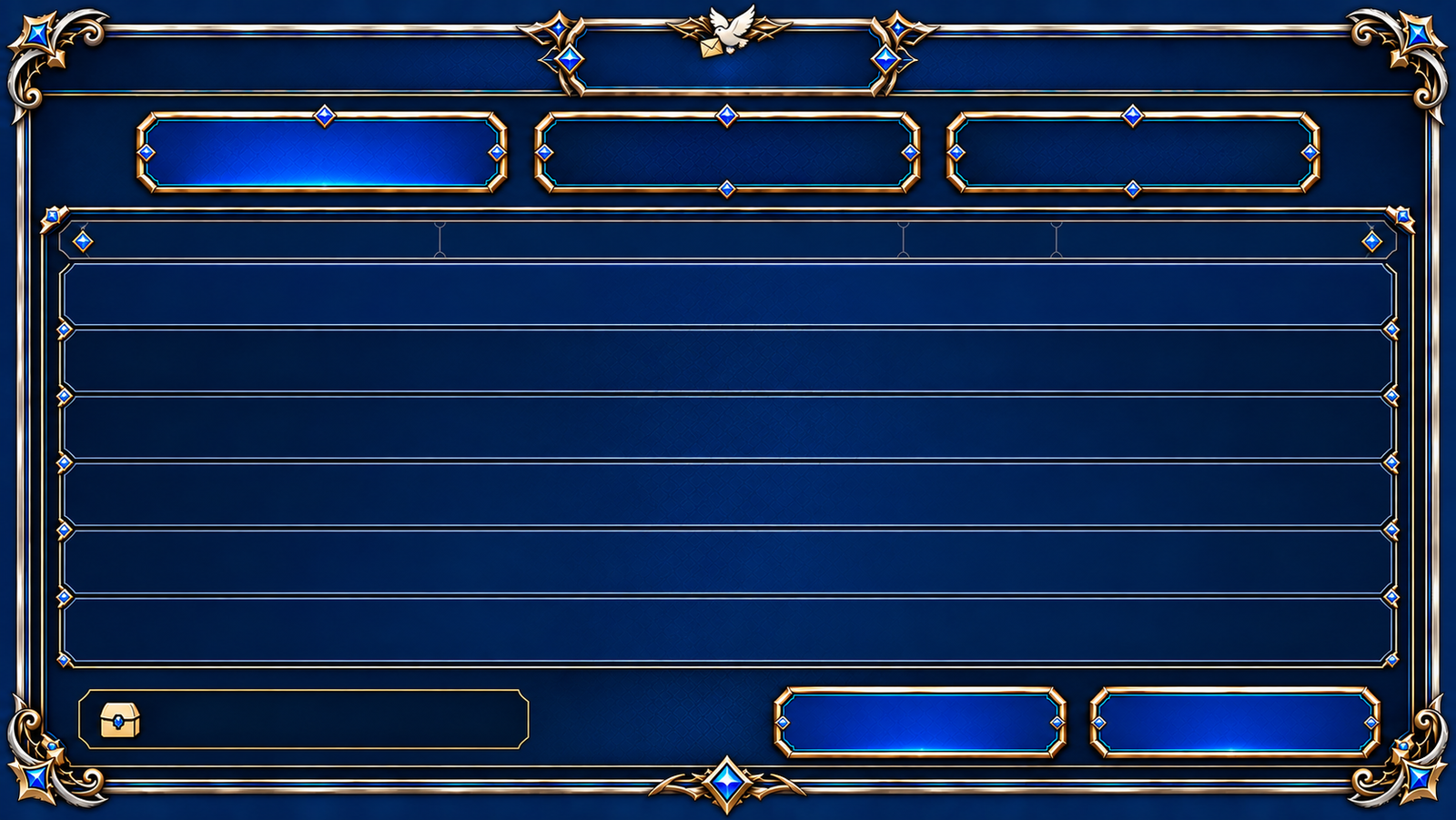
Pigeon MailInboxCompose
How it works
- The inbox lists sender, subject, attachment status, and date. Select a letter to read the full message.
- Address a player letter by character name or ID, then add a subject and body. Postage is 500 gold; you may attach gold and up to five permitted inventory item types. Items barred from mail or trading cannot be attached, and asset mail cannot go to your own character or another character on the same account. Check recipient and quantities before sending.
- Attachments can be claimed per message or with the bulk action, and successful results update in the panel.
Good to know
- Unclaimed player-mail attachments normally return to the sender once after seven days; the returned attachments remain for another seven days. Standard system attachments and text-only mail normally last 30 days; permanent mail follows separate rules. Claim items before the expiry shown in the mailbox.
- If claiming fails because inventory space is insufficient, free space and retry, then check the final result. Deleting mail with unclaimed attachments requires extra confirmation and may discard those assets; claim first. Recovery of misaddressed or expired mail is not guaranteed.